
7 Essential Apps Worth Paying For Every Month
In today’s digital landscape, we’re constantly bombarded with apps vying for our attention and, more importantly, our money. While many apps offer free versions, the truly valuable ones often come with a subscription fee. But are these subscriptions really worth it? For me, the answer is a resounding yes. There are a select few apps that I gladly pay for every month because they significantly enhance my daily life, boosting productivity, improving my well-being, and providing essential services that I can’t find elsewhere. These aren’t just frivolous expenses; they are investments in my efficiency, mental health, and overall quality of life. Let’s take a look at the seven apps that I consider indispensable and why I believe they’re worth every penny.

1. Balance: Your Personalized Meditation Guide
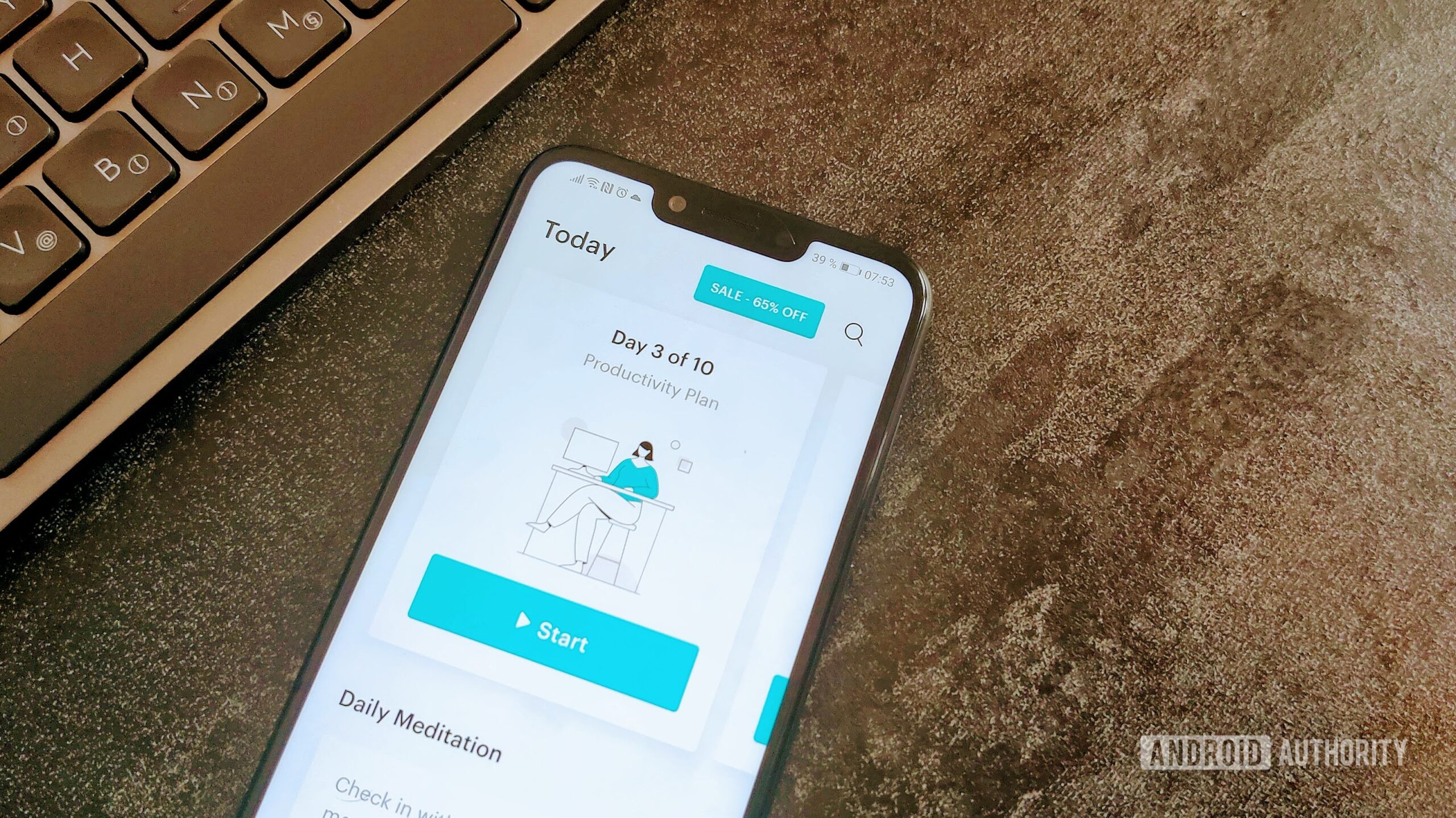
Maintaining mental well-being is crucial in today’s fast-paced world, and for me, meditation is a key component. While free meditation resources abound, I’ve found that a guided approach is far more effective, particularly when trying to establish a consistent practice. That’s where Balance comes in. This app isn’t just another meditation tool; it’s a personalized guide that adapts to your experience level and preferences. Unlike other apps that offer generic meditation sessions, Balance asks you questions about your goals, your experience with meditation, and even your mood. Based on your answers, it creates customized meditations tailored specifically for you. This personalized approach has been a game-changer for me, helping me to stay consistent with my meditation practice and experience deeper levels of relaxation and focus.
The app offers a wide range of meditation series focusing on different topics, such as focus, productivity, energy, and sleep. Each series typically consists of ten meditations designed to be completed over ten days, allowing for a structured and progressive learning experience. Even if you prefer shorter, individual sessions, Balance has you covered. The variety ensures that I can always find a meditation that suits my current needs and schedule. Beyond the guided meditations, Balance also offers features like personalized reminders, progress tracking, and the ability to customize the length and background sounds of your sessions. These features contribute to a truly immersive and effective meditation experience, making it well worth the subscription cost.
2. 1Password: Secure and Seamless Password Management
In today’s digital age, we’re constantly creating and managing passwords for countless online accounts. Remembering them all, especially when adhering to strong password practices, is virtually impossible. That’s where 1Password comes in. This app is more than just a password manager; it’s a secure vault for all your sensitive information, including passwords, credit card details, secure notes, and more. What sets 1Password apart is its seamless integration across all my devices, allowing me to access my information whenever and wherever I need it. The browser extension automatically fills in usernames and passwords, eliminating the need to manually type them in, saving me time and frustration. Furthermore, 1Password generates strong, unique passwords for each of my accounts, significantly enhancing my online security. Knowing that my sensitive information is securely stored and easily accessible gives me peace of mind, making the subscription fee a worthwhile investment.
Beyond basic password management, 1Password offers advanced features like two-factor authentication support, secure sharing of passwords with family members or colleagues, and alerts for compromised websites and weak passwords. It essentially acts as a digital security guard, proactively protecting me from potential threats. The time saved and the enhanced security provided by 1Password far outweigh the monthly cost, making it an indispensable tool for anyone who values their online privacy and security.
3. Todoist: Your Central Hub for Task Management
Staying organized and managing tasks effectively is essential for both personal and professional success. While numerous to-do list apps are available, Todoist stands out for its intuitive interface, powerful features, and cross-platform compatibility. Todoist allows me to create and organize tasks, set deadlines, assign priorities, and collaborate with others on shared projects. Its natural language processing makes adding tasks quick and easy – I can simply type “Grocery shopping tomorrow at 6 pm” and Todoist will automatically create a task with the correct date and time. The app’s ability to integrate with other productivity tools, such as Google Calendar and Slack, further streamlines my workflow. I recently learned that Pixel users rejoice as Android 16 restores screen-off unlock, which will undoubtedly improve my productivity using Todoist on my phone.
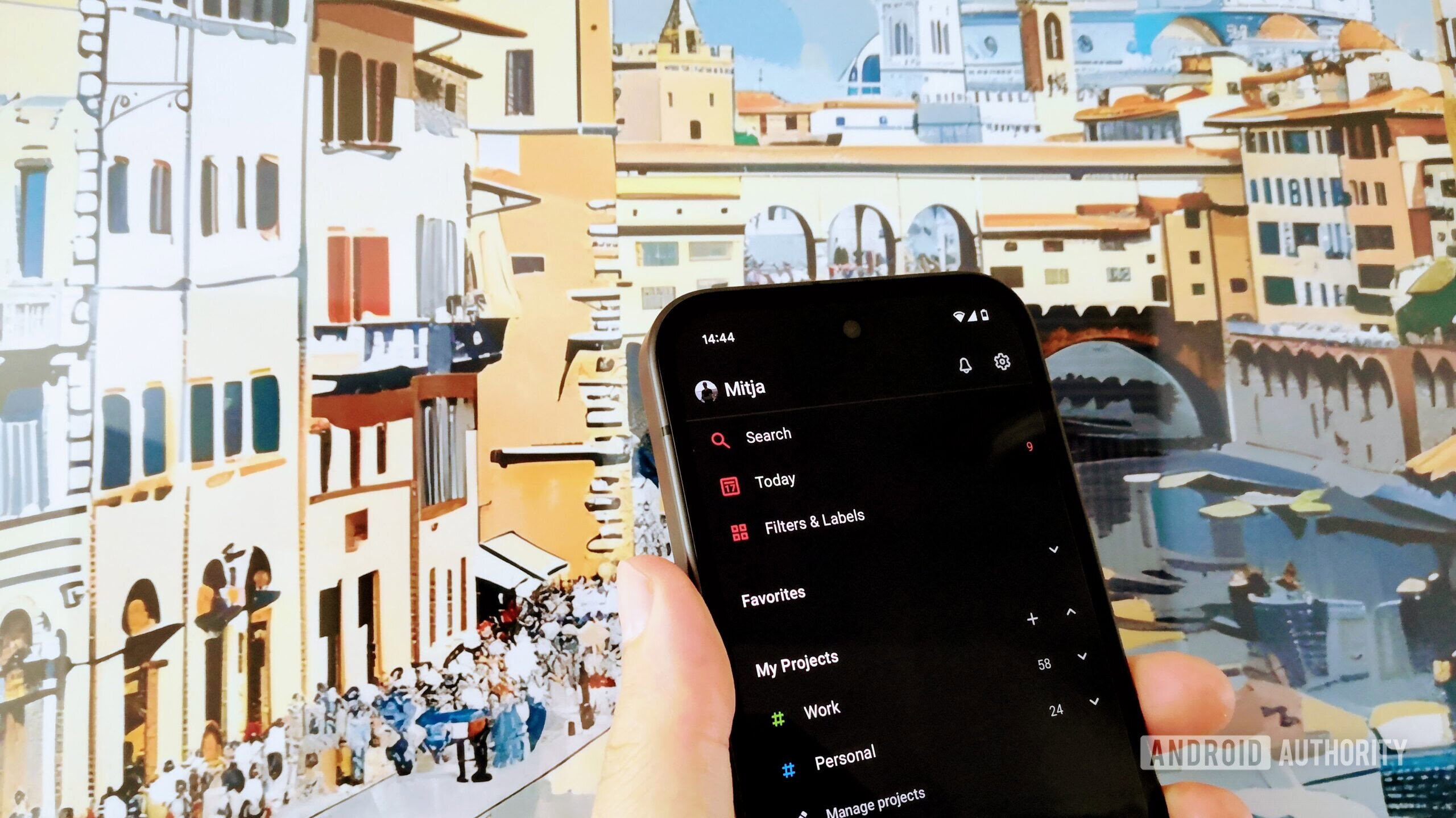
What I appreciate most about Todoist is its flexibility. I can use it to manage everything from simple grocery lists to complex project timelines. The premium version unlocks even more powerful features, such as reminders based on location, custom filters, and the ability to upload files to tasks. These features significantly enhance my productivity and help me stay on top of my responsibilities. For anyone seeking a robust and versatile task management solution, Todoist is well worth the investment.
4. Pocket: Your Personal Content Curator
In the age of information overload, it’s easy to get overwhelmed by the sheer volume of content available online. Pocket provides a simple yet effective solution: it allows you to save articles, videos, and other web content to read or watch later, offline. This is particularly useful when I’m commuting, traveling, or simply want to disconnect from the internet. With Pocket, I can curate a personalized library of interesting content and consume it at my own pace, without distractions. The app also offers features like text-to-speech, which allows me to listen to articles while I’m on the go, and tag organization, which makes it easy to find specific content. Pocket seamlessly integrates with my browser and other apps, making saving content effortless. It’s like having a personal content curator that helps me stay informed and entertained, even when I’m offline.
The premium version of Pocket unlocks additional features, such as permanent storage of saved articles, advanced search, and automatic article backups. These features provide an extra layer of security and convenience, ensuring that I never lose access to valuable content. For anyone who consumes a lot of online content and wants a way to organize and manage it effectively, Pocket is an invaluable tool.
5. Spotify Premium: Ad-Free Music and Offline Listening
Music is an integral part of my daily life, providing both entertainment and a source of focus. While free music streaming services are available, they often come with annoying ads and limited features. Spotify Premium offers an ad-free listening experience, unlimited skips, and the ability to download music for offline listening. This means I can enjoy my favorite music without interruptions, whether I’m at home, at the gym, or traveling. The app’s vast music library and personalized playlists ensure that I always have something new to discover. Spotify’s algorithm is excellent at recommending music based on my listening habits, constantly introducing me to new artists and genres that I enjoy. Furthermore, the ability to listen offline is a lifesaver when I’m in areas with poor internet connectivity.

The premium version of Spotify also offers higher audio quality, which is particularly noticeable when listening on high-end headphones or speakers. For me, the ad-free listening, offline downloads, and higher audio quality make Spotify Premium well worth the monthly subscription. It enhances my music listening experience and provides a constant source of enjoyment throughout the day. For those constantly on the move, streaming and downloading music is a great way to pass the time, especially if you’re considering the rugged style and refined ride of the 2026 GMC Terrain AT4.
6. Google One: Expanded Storage and Enhanced Security
In today’s digital world, we generate vast amounts of data, including photos, videos, documents, and more. Google One provides expanded storage for Google Drive, Gmail, and Google Photos, ensuring that I never run out of space. This is particularly important for me as a content creator, as I constantly need to store and access large files. Beyond storage, Google One also offers enhanced security features, such as VPN protection for my devices and expert support from Google specialists. The VPN encrypts my internet traffic, protecting my online privacy and security, especially when using public Wi-Fi networks. The expert support provides peace of mind knowing that I can get help with any Google-related issues. If you’re curious, you can find a comprehensive guide on unveiling your 2025 YouTube Recap.
The various Google One plans offer different storage tiers and pricing options, allowing me to choose the plan that best suits my needs. The ability to share my storage with family members is another valuable benefit, making it a cost-effective solution for the entire household. For anyone who relies heavily on Google services and needs expanded storage and enhanced security, Google One is a worthwhile investment.
7. NordVPN: Protecting Your Online Privacy
In an era of increasing cyber threats and privacy concerns, a Virtual Private Network (VPN) is becoming an essential tool for protecting your online activity. NordVPN encrypts your internet traffic and masks your IP address, making it difficult for hackers and trackers to monitor your online activity. This is particularly important when using public Wi-Fi networks, which are often unsecured and vulnerable to cyberattacks. NordVPN also allows you to bypass geo-restrictions, enabling you to access content that may be blocked in your region. With servers located in numerous countries around the world, NordVPN provides a fast and reliable connection, ensuring that your browsing experience remains smooth and seamless.

I also find it useful when traveling internationally, as it allows me to access my favorite streaming services and websites from anywhere in the world. The Snapdragon 8 Gen 5 vs Elite performance showdown has highlighted the importance of secure connections, especially when dealing with sensitive data. NordVPN offers a user-friendly interface and robust security features, making it an easy-to-use yet powerful tool for protecting your online privacy. In a world where online security is paramount, NordVPN provides peace of mind and is well worth the subscription fee.
Are These App Subscriptions Truly Worth It?
Ultimately, the value of these app subscriptions depends on individual needs and priorities. However, for me, the benefits they provide – enhanced productivity, improved well-being, and increased security – far outweigh the cost. By investing in these essential apps, I’m investing in my efficiency, mental health, and overall quality of life. While the subscription economy can be frustrating, these seven apps have proven their worth and have become indispensable tools in my daily routine. It’s worth noting that Apple urges users to update to iOS 26 for enhanced security features, which complements the protection offered by apps like NordVPN.
It’s also important to consider the alternatives. While free apps may seem appealing, they often come with limitations, such as intrusive ads, limited features, and potential security risks. By paying for these premium apps, I’m not only getting a better user experience but also supporting the developers who create and maintain these valuable tools. The monthly cost of these apps is a relatively small price to pay for the significant benefits they provide. If you are considering new mobile devices, knowing the exact details like body dimensions (164.0 x 78.0 x 8.3 mm) and weight (199g) are important.
Before committing to any subscription, it’s always a good idea to try out the free trial period, if available. This allows you to experience the app’s features firsthand and determine whether it meets your needs. It’s also important to consider your budget and prioritize the apps that provide the most value for you. Not every app is essential for everyone, but by carefully evaluating your needs and priorities, you can identify the apps that are truly worth paying for.




