
Dell Latitude 3420: Power & Portability Unleashed
The Dell Latitude 3420 14″ is a business-class laptop designed for professionals who need a reliable and portable device. It offers a balance of performance, security, and manageability, making it a popular choice for businesses of all sizes. This article delves into the key Dell Latitude 3420 characteristics, exploring its features, performance, and overall value proposition.

Design and Build Quality
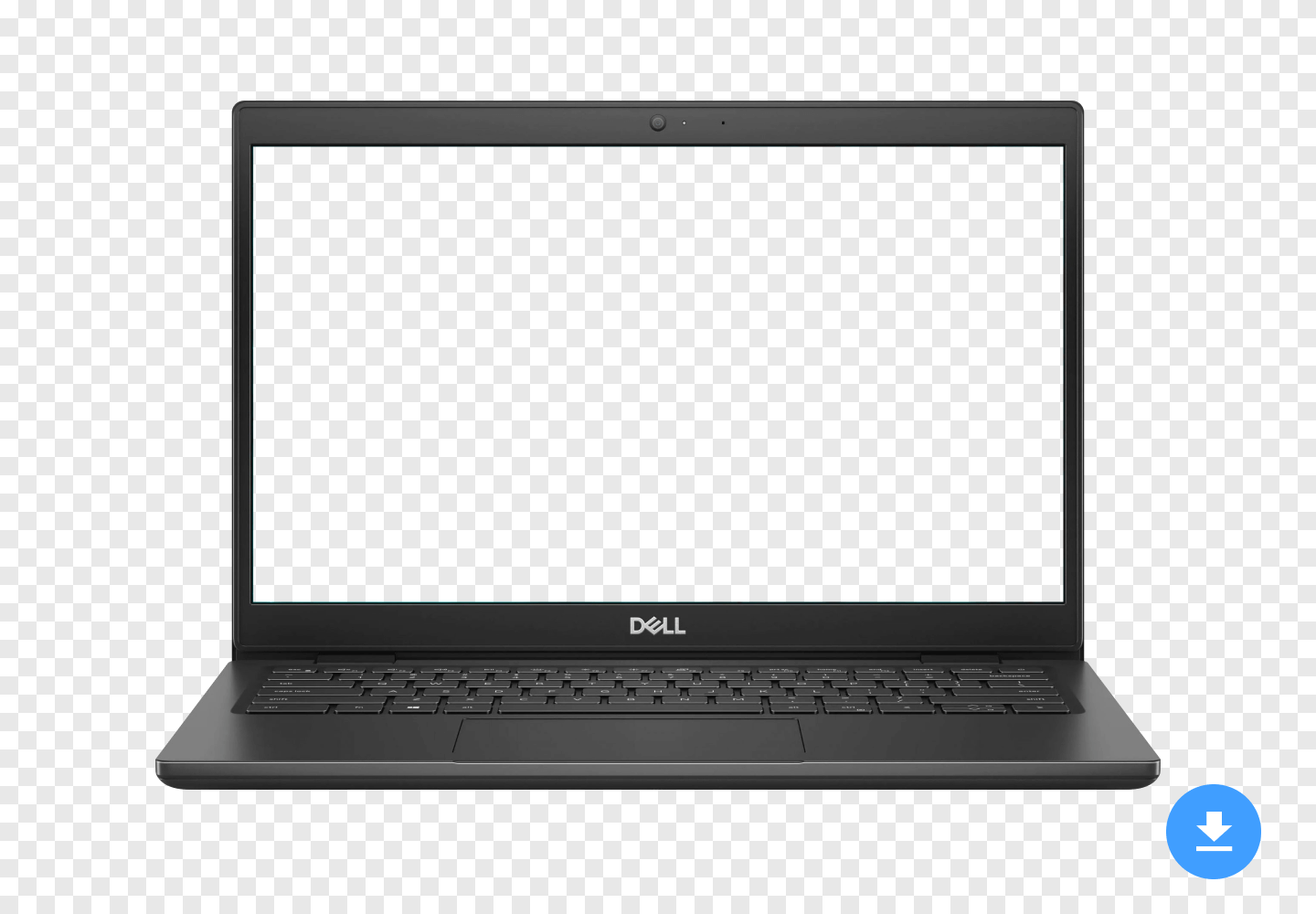
The Dell Latitude 3420 features a clean and professional design. Its chassis is typically constructed from durable materials, offering a good level of robustness for everyday use. While it may not have the premium feel of some higher-end laptops, it’s built to withstand the rigors of a business environment. The 14-inch display provides a good balance between screen real estate and portability. The bezels are reasonably thin, contributing to a modern look. The keyboard is generally comfortable for typing, with decent key travel and spacing. The touchpad is responsive and accurate, making navigation easy.
Display Characteristics
The Dell Latitude 3420 typically comes with a 14-inch display, often available in different resolutions. A common configuration is a Full HD (1920×1080) panel, which provides sharp and clear visuals for most office tasks. Some models might offer an HD (1366×768) display, which is less sharp but can help improve battery life. The display’s color accuracy and brightness are generally adequate for business use. Viewing angles are also typically decent, allowing for comfortable viewing from different positions. The viewport resolution, which designers and developers consider crucial for breakpoints and media queries, is 1440 pixels in width and 809 pixels in height for the Dell Latitude 3420 14″.
The pixel density on the Dell Latitude 3420 14″ is 1. This information can be utilized in CSS media queries to target devices with at least this pixel density. For instance, using the following code:
@media only screen and (-webkit-min-device-pixel-ratio: 1) { /* CSS rules here */ }
In JavaScript, the pixel density value can be accessed through the window.devicePixelRatio property.
Performance and Specifications
The Dell Latitude 3420 is usually powered by Intel Core processors, ranging from Core i3 to Core i7, depending on the configuration. These processors provide ample power for everyday tasks such as web browsing, document editing, and email. The laptop typically comes with 8GB or 16GB of RAM, which is sufficient for most users. Storage options usually include a solid-state drive (SSD), which provides fast boot times and application loading speeds. The SSD capacity can vary from 256GB to 512GB or even 1TB, depending on the model. Graphics are usually handled by integrated Intel UHD Graphics, which is adequate for basic graphics tasks but not suitable for demanding gaming or video editing.
When considering business laptops, security is paramount. Dell’s commitment to powering productivity and security is evident in the Latitude 3420, which offers various security features.
Connectivity and Ports
The Dell Latitude 3420 offers a good selection of ports for connecting peripherals and accessories. These typically include USB Type-A ports, USB Type-C ports, an HDMI port, an Ethernet port, and a headphone jack. Some models may also include a microSD card reader. The inclusion of both USB Type-A and Type-C ports ensures compatibility with a wide range of devices. The HDMI port allows for easy connection to external displays. The Ethernet port provides a reliable wired network connection. Wireless connectivity is provided by Wi-Fi and Bluetooth.
Security Features
Security is a key consideration for business laptops, and the Dell Latitude 3420 offers several security features. These may include a fingerprint reader, a smart card reader, and a TPM (Trusted Platform Module) chip. The fingerprint reader allows for secure and convenient login. The smart card reader provides an extra layer of security for accessing sensitive data. The TPM chip helps protect against unauthorized access to the system. Dell also offers various software-based security features, such as Dell Data Protection, which helps protect data from malware and other threats.
Battery Life
Battery life is an important consideration for any portable device, and the Dell Latitude 3420 generally offers decent battery life. The actual battery life will vary depending on usage patterns and configuration. However, most users can expect to get several hours of use on a single charge. Dell also offers various power management features that can help extend battery life. For example, the laptop can automatically adjust screen brightness and processor speed to conserve power when not in use.
Manageability
The Dell Latitude 3420 is designed to be easily managed by IT departments. It supports various management tools and technologies, such as Dell Command | Update and Dell Client Command Suite. These tools allow IT administrators to remotely manage and update the laptop, making it easier to deploy and maintain. The laptop also supports Intel vPro technology, which provides advanced management capabilities.
Pros and Cons of the Dell Latitude 3420
Like any laptop, the Dell Latitude 3420 has its strengths and weaknesses. Here’s a summary of its pros and cons:
- Pros:
- Good balance of performance and portability
- Durable build quality
- Comprehensive security features
- Easy to manage
- Decent battery life
- Cons:
- Integrated graphics may not be suitable for demanding tasks
- Display color accuracy could be better
- Design is not as premium as some competitors
Alternatives to the Dell Latitude 3420
If the Dell Latitude 3420 doesn’t quite meet your needs, there are several alternatives to consider. These include:
- Lenovo ThinkPad E14: A similar business-class laptop with a strong focus on durability and security.
- HP ProBook 440 G8: Another popular choice for business users, offering a good balance of features and price.
- Microsoft Surface Laptop 4: A more premium option with a sleek design and excellent display.
- Apple MacBook Air (M1): A lightweight and powerful laptop with excellent battery life. While often associated with creative professionals, the M1 chip makes it a viable option for business users who appreciate macOS.
Use Cases and Target Audience
The Dell Latitude 3420 is well-suited for a variety of use cases and target audiences. It’s a good choice for:
- Business professionals: Who need a reliable and portable laptop for everyday tasks.
- Students: Who need a durable and affordable laptop for schoolwork.
- Remote workers: Who need a laptop that can handle video conferencing and other remote collaboration tools.
- IT departments: Who need a laptop that is easy to manage and secure.
Viewport Resolution and Responsive Design
As mentioned earlier, the viewport resolution is crucial for responsive web design. The Dell Latitude 3420 characteristics, with its 1440×809 viewport, dictate the breakpoints needed to ensure websites and web applications display correctly on the device. Developers should test their designs on this resolution to ensure optimal user experience. Tools are available to simulate the Dell Latitude 3420’s screen size and resolution, allowing developers to preview their designs without needing the physical device.
Device Pixel Ratio and High-Resolution Displays
The device pixel ratio (DPR) is another important factor to consider when designing for different devices. The Dell Latitude 3420 has a DPR of 1, meaning that one CSS pixel corresponds to one physical pixel on the screen. On devices with higher DPRs, such as smartphones and tablets, one CSS pixel may correspond to multiple physical pixels, resulting in sharper and more detailed images and text. Developers can use media queries to target devices with different DPRs and serve different assets accordingly. For example, they can serve higher-resolution images to devices with high DPRs to ensure that images look sharp and clear.
The Role of Media Queries
Media queries are a powerful tool for creating responsive designs that adapt to different screen sizes, resolutions, and device capabilities. Developers can use media queries to apply different styles based on the viewport width, device pixel ratio, and other factors. For example, they can use media queries to change the layout of a website on small screens, hide certain elements on large screens, or serve different images based on the device pixel ratio. By using media queries effectively, developers can create websites and web applications that look and function well on a wide range of devices.
The Dell Latitude 3420, like many other laptops, benefits from responsive design principles. Websites and applications should be designed to adapt to its screen size and resolution, providing a seamless user experience.
Customization and Configuration Options
Dell offers a variety of customization and configuration options for the Latitude 3420, allowing businesses to tailor the laptop to their specific needs. These options may include:
- Processor: Choose from different Intel Core i3, i5, and i7 processors.
- Memory: Configure the laptop with 8GB, 16GB, or even 32GB of RAM.
- Storage: Select from various SSD capacities, ranging from 256GB to 1TB or more.
- Display: Choose between HD and Full HD display options.
- Operating System: Select from different versions of Windows, such as Windows 10 Pro or Windows 11 Pro.
- Security Features: Add optional security features such as a fingerprint reader or smart card reader.
- Warranty: Choose from different warranty options to protect your investment.
Price and Availability
The price of the Dell Latitude 3420 varies depending on the configuration and retailer. It’s generally priced competitively compared to other business-class laptops in its category. The laptop is typically available through Dell’s website, as well as through various online retailers and authorized resellers. Businesses can often get discounts on bulk purchases.
The Future of the Dell Latitude Line
Dell is continuously innovating and improving its Latitude line of laptops. Future models are likely to feature even more powerful processors, faster storage, improved displays, and enhanced security features. Dell is also likely to incorporate more sustainable materials into its laptops, reflecting the growing importance of environmental responsibility. As technology evolves, the Dell Latitude line will continue to be a popular choice for businesses and professionals who need a reliable and portable laptop.
The evolution of technology also brings advancements in other areas. For instance, the unveiling of cutting-edge features in the iPhone 15 Pro showcases how technological advancements are constantly pushing the boundaries of innovation.
Conclusion: Is the Dell Latitude 3420 Right for You?
The Dell Latitude 3420 is a solid business-class laptop that offers a good balance of performance, portability, security, and manageability. It’s a good choice for professionals, students, and IT departments who need a reliable and affordable laptop for everyday tasks. While it may not have the premium features of some higher-end laptops, it’s a dependable workhorse that can handle most business tasks with ease. Consider your specific needs and budget when making your decision, and be sure to compare it to other laptops in its category. Understanding the Dell Latitude 3420 characteristics will help you make an informed choice.
For businesses seeking to enhance their productivity and security with Dell’s offerings, exploring Dell business laptops can provide further insights into available solutions.
The Dell Latitude series focuses on reliability and efficient performance. In contrast, for those interested in peak automotive performance, the Corvette ZR1X American muscle car conquers the Nurburgring, representing the pinnacle of engineering and speed.
Understanding the pixel density is crucial for optimizing visual presentation. Similarly, appreciating the display and key features of the Apple iPhone 14 (2022) is essential for mobile device optimization.
The Latitude 3420 offers a solid foundation for business tasks. Just as Cadillac is pushing boundaries with its electric vehicles, as showcased in the Cadillac LYRIQ V review, Dell continues to innovate within the business laptop space.
Comparing different devices can highlight the strengths of each. For instance, a comparison between the Apple iPhone 14 Plus (2022) and the Dell Latitude 3420 reveals distinct advantages for different use cases.
Just as Jeep is redefining luxury SUVs with the 2026 Jeep Grand Wagoneer, Dell strives to refine its Latitude series to meet evolving business needs.




