
Windows 10 ESU Restored: Security Updates Back on Track
Microsoft recently encountered a hiccup with its Extended Security Updates (ESU) program for Windows 10, briefly disrupting the intended flow of security patches to users who have opted to continue receiving support beyond the official end-of-life date. The issue, which prevented users from enrolling in the ESU program, has since been resolved, ensuring that Windows 10 users can maintain a secure computing environment. This article delves into the details of the problem, the swift response from Microsoft, and the steps users can take to ensure they are protected with the latest security updates.
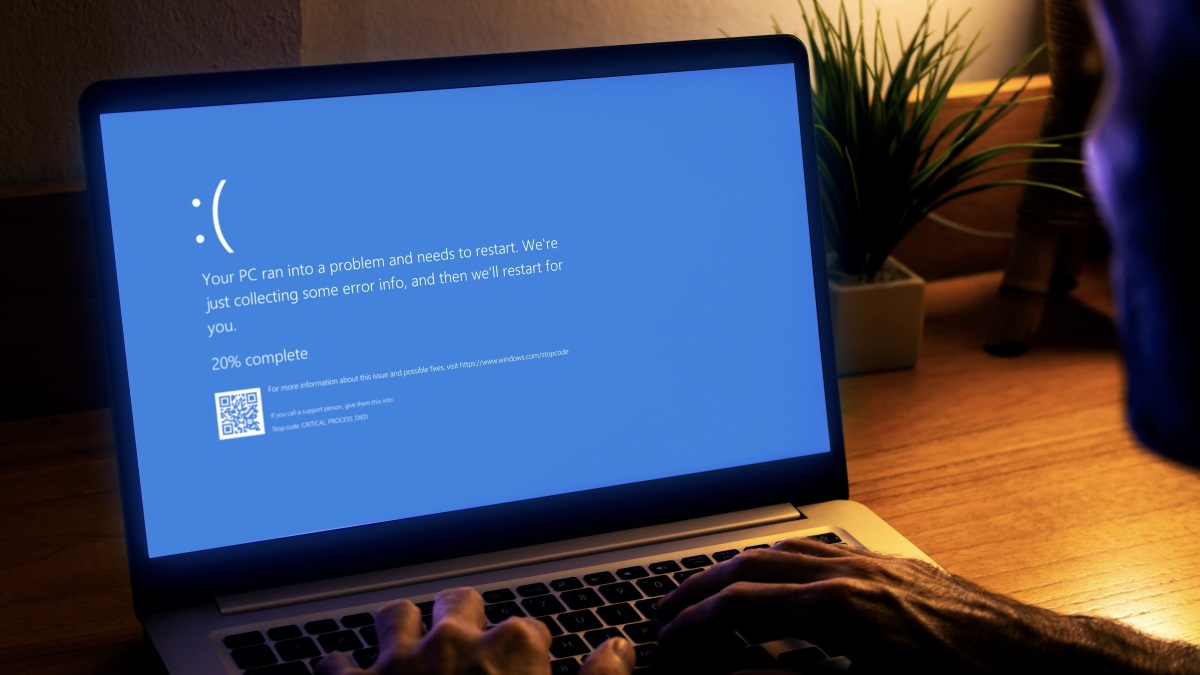
As of October 14th, Microsoft ceased providing complimentary security updates for Windows 10. However, recognizing that many users and organizations are not yet ready to migrate to newer operating systems, Microsoft offers the Extended Security Updates (ESU) program. This program allows users to pay for an additional year of security support, thus extending the lifespan of their Windows 10 installations. The ESU program is particularly beneficial for businesses and individuals who require more time to plan and execute a seamless transition to a newer operating system, such as Windows 11.
The initial problem arose when users attempted to enroll in the ESU program following the release of the first ESU update. A bug within Windows 10 prevented the enrollment process from completing successfully. This meant that users who were relying on the ESU program to protect their systems were unable to install the necessary security patches, leaving them vulnerable to potential threats. This is especially concerning given the evolving landscape of cyber threats and the constant need for up-to-date security measures. For users looking to upgrade their devices but are on a budget, keep an eye out for early Black Friday deals that could help reduce the cost.
The Immediate Impact of the ESU Enrollment Issue
The inability to enroll in the ESU program had significant implications for Windows 10 users. Without access to the latest security updates, their systems were exposed to known vulnerabilities that could be exploited by malicious actors. This included protection against zero-day vulnerabilities, which are security flaws that are unknown to the software vendor and thus have no patch available. The ESU program is designed to address these types of threats, providing users with a critical layer of defense against emerging cyberattacks. The disruption of the ESU enrollment process therefore created a window of vulnerability for affected users, highlighting the importance of timely security updates.
Furthermore, the issue coincided with the release of Microsoft’s Patch Tuesday update, which included fixes for a number of security vulnerabilities, including a particularly nasty zero-day exploit. While Windows 11 users were able to install these updates without issue, Windows 10 users who were unable to enroll in the ESU program were left without protection against these known threats. This disparity underscored the urgency of resolving the ESU enrollment issue and ensuring that all Windows 10 users had access to the latest security patches.
Microsoft’s Swift Response and the Resolution
Recognizing the severity of the issue, Microsoft acted quickly to develop and release a patch that addressed the ESU enrollment problem. The update, designated KB5071959, was made available to Windows 10 users as an emergency patch. This rapid response demonstrated Microsoft’s commitment to supporting its users and ensuring the security of their systems, even after the official end-of-life date for Windows 10. The company’s prompt action helped to minimize the potential impact of the vulnerability and restore confidence in the ESU program.
The KB5071959 update not only fixed the ESU enrollment issue but also included the security fixes from the earlier October 14th update, KB5066791. This meant that users who installed the emergency patch were able to catch up on all the latest security updates in one go, further simplifying the process of securing their systems. By bundling the fixes together, Microsoft streamlined the update process and reduced the risk of users missing critical security patches. For users who enjoy music, the latest iOS 26 update elevates the Apple Music experience, offering new features and improvements.
How to Ensure Your Windows 10 System is Protected by Extended Security Updates
To ensure that your Windows 10 system is protected by the Extended Security Updates program, follow these steps:
- Check for Updates: Go to Start > Settings > Update & Security > Windows Update and click on “Check for updates.”
- Install KB5071959: If the KB5071959 update is available, install it. This update addresses the ESU enrollment issue and includes the latest security fixes.
- Restart Your PC: After installing the update, restart your computer to ensure that the changes take effect.
- Run the ESU Enrollment Wizard: Once your PC has restarted, return to Windows Update and attempt to run the ESU enrollment wizard. The process should now complete successfully, allowing you to enroll in the Extended Security Updates program.
- Verify Enrollment: Confirm that your system is successfully enrolled in the ESU program by checking the Windows Update settings. You should see confirmation that your system is receiving Extended Security Updates.
Understanding the Windows 10 Extended Security Updates Program
The Windows 10 Extended Security Updates (ESU) program is a paid service that provides critical security updates for Windows 10 devices after the operating system’s end-of-life date. This program is designed to help organizations and individuals who need more time to migrate to a newer operating system, such as Windows 11. By enrolling in the ESU program, users can continue to receive security updates for up to three years after the end-of-life date, providing them with a vital layer of protection against cyber threats. The ESU program is available for both home users and businesses, although the pricing and enrollment process may vary depending on the specific edition of Windows 10 and the size of the organization.
The ESU program is not a replacement for upgrading to a newer operating system. It is intended as a temporary solution to bridge the gap between the end-of-life date and the eventual migration to a supported operating system. While the ESU program provides security updates, it does not include new features or non-security fixes. Therefore, users are encouraged to plan and execute a migration to a newer operating system as soon as possible to take advantage of the latest features and improvements.
Enrolling in the ESU program is a straightforward process, but it does require a valid product key and an active Microsoft account. Users can purchase the ESU license through the Microsoft Volume Licensing Service Center (VLSC) or through a Microsoft partner. Once the license is purchased, users can activate the ESU key on their Windows 10 devices using the Software Licensing Management Tool (SLMGR). After the ESU key is activated, the device will be eligible to receive Extended Security Updates through Windows Update. For users looking to add a digital version of their passport to their iPhone, the dawn of digital identification is here.
The Importance of Staying Up-to-Date with Security Updates
In today’s increasingly interconnected world, staying up-to-date with security updates is more important than ever. Cyber threats are constantly evolving, and new vulnerabilities are discovered on a regular basis. Security updates provide critical fixes for these vulnerabilities, protecting your system from potential attacks. Without these updates, your system is vulnerable to malware, viruses, and other malicious software that can compromise your data and privacy. Failing to install security updates can have serious consequences, including data loss, identity theft, and financial losses.
Security updates are not just important for individual users; they are also essential for businesses and organizations. A single security breach can have devastating consequences for a business, including reputational damage, financial losses, and legal liabilities. By staying up-to-date with security updates, businesses can minimize their risk of a security breach and protect their valuable data and assets. The importance of security updates cannot be overstated, and users should make it a priority to install them as soon as they are available.
Many operating systems and software applications offer automatic update features that can help to ensure that you are always running the latest version. These features automatically download and install security updates in the background, without requiring any intervention from the user. Enabling automatic updates is a simple and effective way to stay protected against cyber threats. However, it is also important to regularly check for updates manually to ensure that all of your software is up-to-date. Some updates may require manual installation, and it is important to install these updates as soon as possible to maintain a secure computing environment.
The Future of Windows 10 and the Transition to Windows 11
While the Extended Security Updates program provides a temporary solution for Windows 10 users, the long-term future of the operating system is limited. Microsoft is actively promoting Windows 11 as the successor to Windows 10, and the company is investing heavily in the development and improvement of the new operating system. Windows 11 offers a number of advantages over Windows 10, including a redesigned user interface, improved performance, and enhanced security features. As Windows 11 matures and becomes more widely adopted, it is expected that more and more users will transition to the new operating system.
The transition to Windows 11 is not without its challenges. Some users may be hesitant to upgrade due to concerns about compatibility with existing hardware and software. Others may simply prefer the familiar interface of Windows 10. However, as Windows 10 reaches its end-of-life date, users will eventually need to upgrade to a supported operating system to continue receiving security updates and support. Microsoft is working to make the transition to Windows 11 as smooth as possible, providing tools and resources to help users migrate their data and applications. The company is also working to ensure that Windows 11 is compatible with a wide range of hardware and software, minimizing the potential for compatibility issues.
Ultimately, the decision to upgrade to Windows 11 is a personal one. However, users should carefully consider the benefits of upgrading, including improved security, performance, and features. The Extended Security Updates program provides a temporary solution for Windows 10 users, but it is not a long-term replacement for upgrading to a supported operating system. As Windows 10 reaches its end-of-life date, users should plan and execute a migration to Windows 11 or another supported operating system to ensure that they continue to receive security updates and support. If you are looking for a new phone, consider checking out the OnePlus 15 review for a complete guide on its features and performance.
- Windows 10 Security: ESU Glitch Resolved
- ESU Program Fixed: Windows 10 Security Restored
In conclusion, while the initial disruption of the Windows 10 Extended Security Updates enrollment process caused concern, Microsoft’s swift response and the release of the KB5071959 update have resolved the issue. Users who have enrolled in the ESU program can now rest assured that they are receiving the latest security updates and are protected against emerging cyber threats. However, it is important to remember that the ESU program is a temporary solution, and users should plan to migrate to a supported operating system like Windows 11 in the near future to ensure long-term security and access to the latest features. By staying informed and taking proactive steps to secure their systems, Windows 10 users can continue to enjoy a safe and productive computing experience. For those who appreciate quality audio, the JBL Charge 6 portable speaker is now 70% off, offering a great deal on a powerful device.




