Acer Nitro: Score a Gaming Laptop Deal This Black Friday
Black Friday is the perfect time to snag a new gaming laptop without breaking the bank. If you’ve been eyeing an upgrade, the Acer Nitro series is offering some compelling deals that can save you serious cash. Specifically, the Acer Nitro V 16S AI RTX 5060 is currently available with a significant discount, making it an ideal choice for gamers seeking performance without the premium price tag. Let’s dive into the details of this deal and why it might be the perfect gaming laptop for you this holiday season.
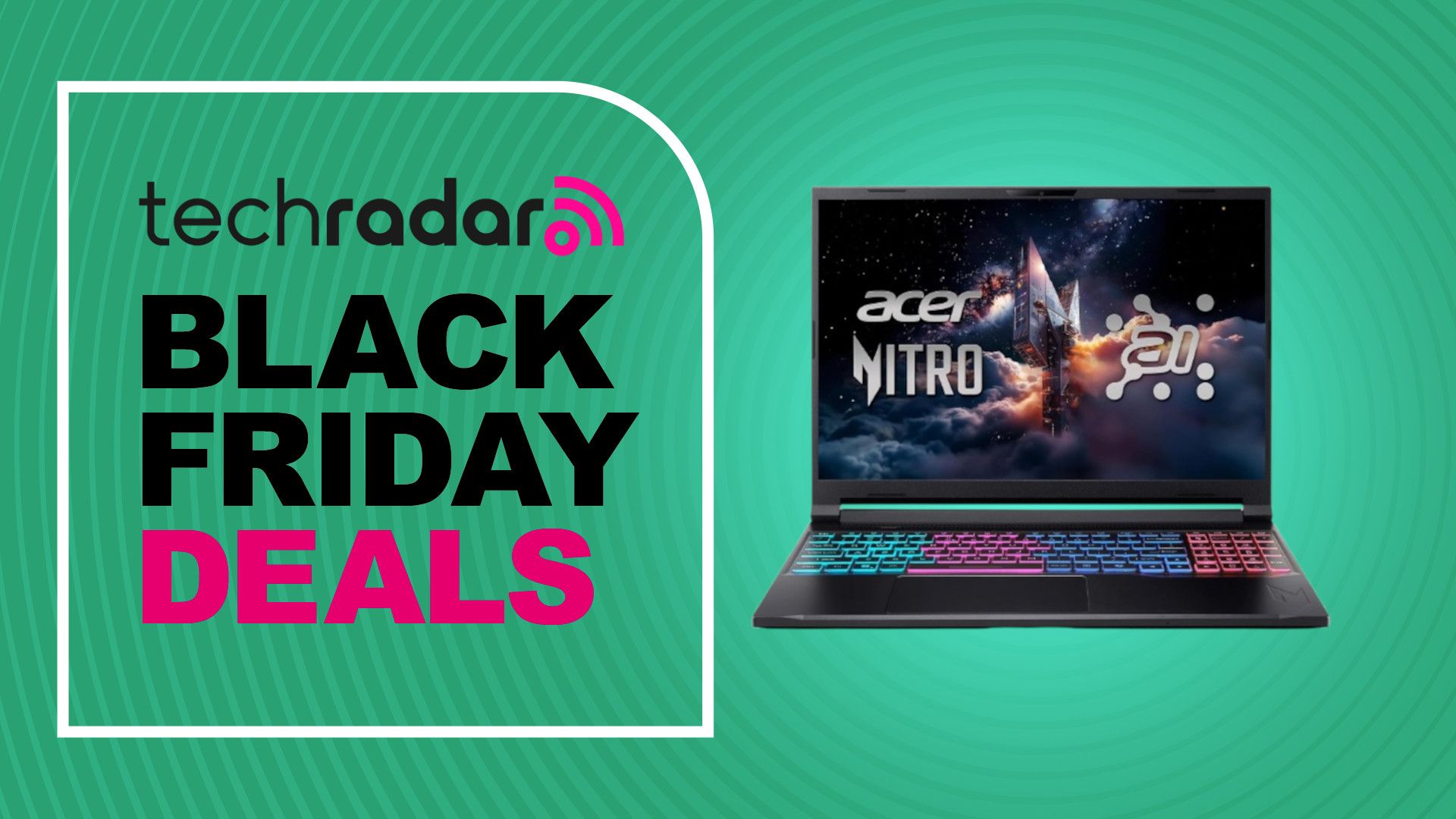
The Acer Nitro V 16S AI RTX 5060 is a solid contender in the mid-range gaming laptop market. It offers a balance of performance and affordability, making it particularly attractive during Black Friday sales. The current discount makes it even more appealing for gamers looking to upgrade their setup without spending a fortune. This Acer Nitro Black Friday deal truly provides a fantastic opportunity for gamers looking to upgrade their performance without breaking the bank.
Unveiling the Acer Nitro V 16S AI RTX 5060 Black Friday Deal
The Acer Nitro V 16S AI RTX 5060 gaming laptop is currently available for $1,099.99 on Amazon, a significant drop from its original price of $1,299.99. This translates to a $200 saving, or a 15% discount. For gamers in the UK, the Acer Nitro V16 AI RTX 5070 is available at £1,089.99 (previously £1,149) on Amazon, offering a smaller 5% discount, saving you £59.01. While the UK deal has a smaller discount, it features a more powerful GPU.
Both of these deals are worth considering, depending on your budget and performance needs. The RTX 5070 model, while having a smaller discount, offers better graphical performance compared to the RTX 5060. However, the RTX 5060 still provides a great gaming experience at 1080p or 1440p resolutions. Understanding the differences between these models is crucial to making an informed decision during the Black Friday sales.
Key Specifications and Performance
The Acer Nitro V 16S AI RTX 5060 features a combination of components designed to deliver a smooth gaming experience. While exact specifications may vary, key features typically include:
- Processor: An Intel Core i5 or i7 processor (or equivalent AMD Ryzen processor).
- Graphics Card: NVIDIA GeForce RTX 5060 with 8GB VRAM.
- Memory: 16GB DDR5 RAM.
- Storage: 512GB or 1TB NVMe SSD.
- Display: 16-inch Full HD or QHD display with a high refresh rate (144Hz or higher).
These specifications allow the Acer Nitro V 16S AI RTX 5060 to handle most modern games at medium to high settings, depending on the resolution. The RTX 5060 GPU is capable of utilizing DLSS (Deep Learning Super Sampling) technology, which can significantly boost frame rates without a major loss in visual quality. This is particularly useful for demanding games that might otherwise struggle to maintain a smooth frame rate. You can also explore other laptop deals to potentially find better configurations, but this Acer Nitro Black Friday deal remains competitive.
Why Choose the Acer Nitro V 16S AI RTX 5060?
Several factors make the Acer Nitro V 16S AI RTX 5060 a compelling choice, especially with the Black Friday discount:
- Price-to-Performance Ratio: The discounted price makes it an excellent value for the performance it offers.
- DLSS Support: The RTX 5060 supports DLSS, allowing for improved frame rates in compatible games.
- Decent Display: The high refresh rate display ensures a smooth and responsive gaming experience.
- Portability: While not the thinnest or lightest gaming laptop, it’s still reasonably portable for gaming on the go.
The Acer Nitro V 16S AI RTX 5060 strikes a good balance between performance, features, and price, making it a smart choice for budget-conscious gamers. It provides enough power to play most modern games at respectable settings, and the DLSS support helps to further enhance performance. This Acer Nitro Black Friday deal is particularly advantageous for those seeking an affordable gaming laptop.
RTX 5060 vs RTX 5070: Which is Right for You?
The UK deal offers the Acer Nitro V16 AI with an RTX 5070 GPU, which is a step up from the RTX 5060. Here’s a comparison to help you decide which one is best for your needs:
- RTX 5070: Offers higher raw graphical performance, allowing for higher settings and frame rates in games. It’s a better choice for gamers who want to play at higher resolutions (1440p or higher) or with more demanding graphical settings.
- RTX 5060: Still a capable GPU, especially at 1080p resolution. It’s a more budget-friendly option and can still provide a great gaming experience with DLSS enabled.
If you’re willing to spend a bit more and want the best possible performance, the RTX 5070 model is the better choice. However, if you’re on a tighter budget and primarily play at 1080p, the RTX 5060 model offers excellent value, especially with the Black Friday discount. Consider your budget and the types of games you play when making your decision. You might also want to compare this deal to other gaming laptops to see if there are better options available, but the Acer Nitro Black Friday deal is definitely worth considering.
Considerations Before Purchasing
Before you jump on the Acer Nitro V 16S AI RTX 5060 Black Friday deal, consider the following:
- Battery Life: Gaming laptops are not known for their long battery life. Expect to be plugged in most of the time when gaming.
- Thermals: Gaming laptops can get hot under load. Ensure the laptop has adequate cooling to prevent thermal throttling.
- Upgradability: Check if the RAM and storage are upgradable, as this can extend the lifespan of the laptop.
- Display Quality: While the high refresh rate is great for gaming, check reviews to ensure the display has good color accuracy and brightness.
It’s also a good idea to read reviews from other users to get a better understanding of the laptop’s performance, build quality, and potential issues. This will help you make an informed decision and avoid any surprises after your purchase. Don’t forget to compare this Acer Nitro Black Friday deal with other offers to ensure you’re getting the best value for your money.
Other Black Friday Gaming Laptop Deals to Watch Out For
While the Acer Nitro V 16S AI RTX 5060 is a great option, it’s always wise to explore other deals before making a final decision. Keep an eye out for deals on laptops from other manufacturers, such as:
- ASUS ROG Series: Known for their high-performance and innovative features.
- Lenovo Legion Series: Offers a good balance of performance and features at a competitive price.
- MSI Gaming Laptops: Provides a wide range of options, from budget-friendly to high-end.
Comparing specifications, features, and prices will help you determine which gaming laptop offers the best value for your specific needs. Remember to consider factors such as processor, graphics card, RAM, storage, display, and battery life when comparing different models. A well-informed decision will ensure you’re happy with your purchase for years to come. For those also looking to enhance their streaming experience, consider exploring affordable options to enhance your streaming setup alongside your new laptop.
Setting Up Your New Acer Nitro Gaming Laptop
Once you’ve secured your Acer Nitro V 16S AI RTX 5060, setting it up properly is crucial for optimal performance. Here’s a step-by-step guide:
- Update Drivers: Immediately update your graphics drivers, chipset drivers, and other system drivers to the latest versions. This will ensure compatibility and optimal performance.
- Optimize Power Settings: Configure your power settings to prioritize performance when gaming. This may involve setting the power mode to “High Performance” and adjusting other power-related settings.
- Install Gaming Software: Install your favorite gaming software, such as Steam, Epic Games Store, and GOG Galaxy.
- Adjust Graphics Settings: Experiment with different graphics settings in your games to find the optimal balance between visual quality and frame rate.
- Monitor Thermals: Use monitoring software to keep an eye on your laptop’s temperatures. If you notice excessive heat, consider investing in a cooling pad or adjusting your fan settings.
Properly setting up your new gaming laptop will ensure a smooth and enjoyable gaming experience. Don’t be afraid to experiment with different settings to find what works best for you. If you’re looking for ways to share files between your new laptop and other devices, understanding the dawn of cross-platform file sharing can be incredibly useful.
Extending the Life of Your Gaming Laptop
To ensure your Acer Nitro V 16S AI RTX 5060 lasts for years to come, follow these tips:
- Keep it Clean: Regularly clean your laptop’s vents and keyboard to prevent dust buildup.
- Avoid Overheating: Use a cooling pad or elevate your laptop to improve airflow and prevent overheating.
- Handle with Care: Avoid dropping or bumping your laptop, as this can damage the internal components.
- Update Regularly: Keep your operating system and drivers up to date to ensure compatibility and security.
- Proper Storage: When not in use, store your laptop in a safe and dry place.
By following these simple tips, you can significantly extend the lifespan of your gaming laptop and ensure it continues to perform well for years to come. You might also want to consider a universal travel adapter if you plan on taking your new laptop on the go. My favorite universal travel adapter is one of Amazon’s best early Black Friday deals and can be a lifesaver when traveling internationally.
The Future of Gaming Laptops
Gaming laptops are constantly evolving, with new technologies and features being introduced all the time. Some trends to watch out for include:
- More Powerful GPUs: Future gaming laptops will feature even more powerful GPUs, allowing for higher frame rates and better visual quality.
- Improved Displays: Expect to see more laptops with higher resolution displays, faster refresh rates, and improved color accuracy.
- Thinner and Lighter Designs: Manufacturers are constantly striving to make gaming laptops thinner and lighter without sacrificing performance.
- Advanced Cooling Solutions: New cooling technologies will help to keep gaming laptops running cool and quiet, even under heavy load.
- AI Integration: Artificial intelligence is being integrated into gaming laptops to improve performance, optimize settings, and enhance the overall gaming experience.
The future of gaming laptops is bright, with exciting new technologies on the horizon. As technology advances, gaming laptops will become even more powerful, portable, and versatile. Be sure to keep an eye out for these advancements as you consider future upgrades. If you are looking to dominate 2025, keeping up with the top gaming laptops unveiled will be essential.
Conclusion
The Acer Nitro V 16S AI RTX 5060 Black Friday deal presents an excellent opportunity for gamers to upgrade their laptops without breaking the bank. With its solid performance, decent features, and attractive price point, it’s a compelling choice for budget-conscious gamers. Remember to consider your specific needs and compare it with other deals before making a final decision. Happy gaming!