
RayNeo Air 3s Pro: Portable HD Display on a Budget
The RayNeo Air 3s Pro smart glasses promise a portable HD display experience without breaking the bank. At $299, they’re significantly cheaper than competitors like Rokid Max 2 and XReal One Pro. I spent a week testing these glasses during my daily commute and at home, and here’s my take.
Design and Build: Surprisingly Solid
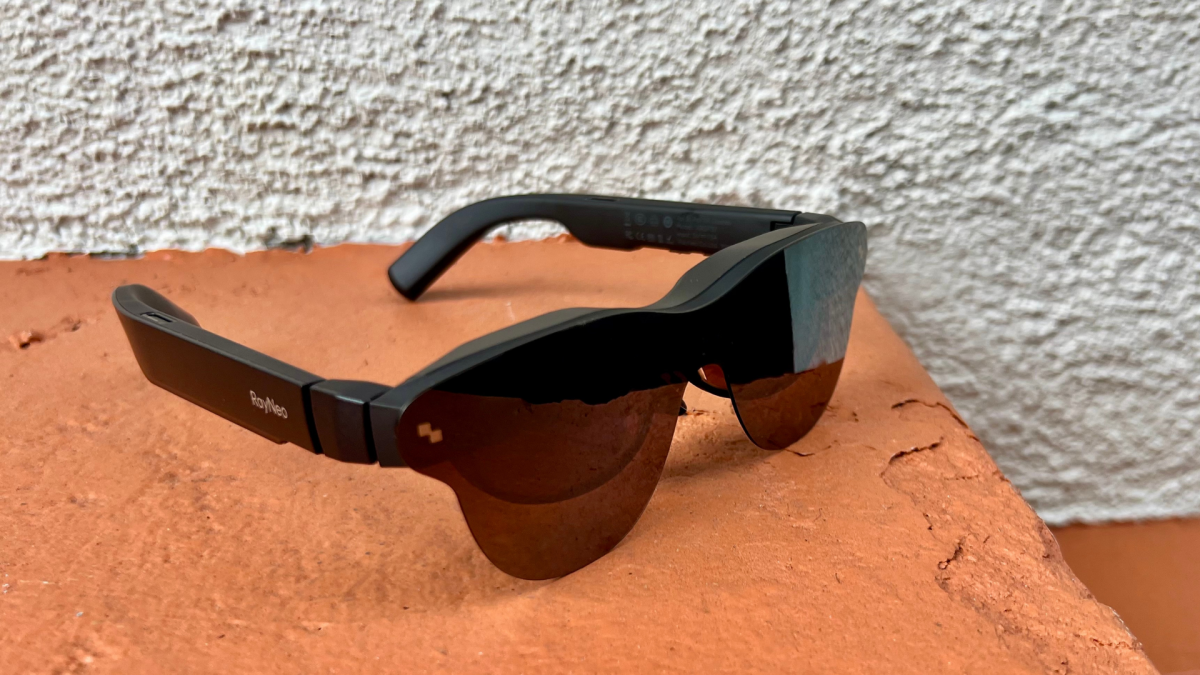
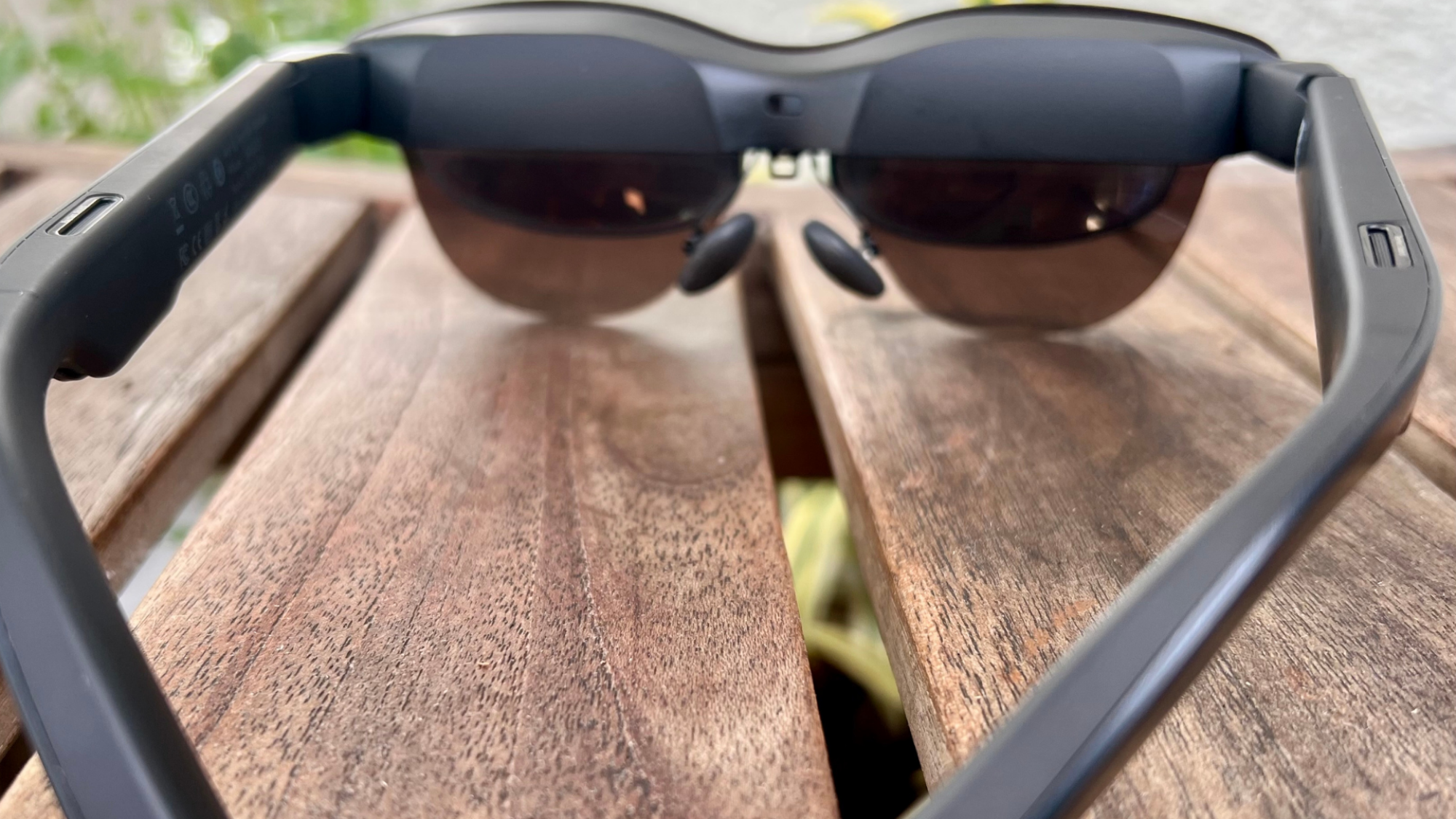
Despite the lower price point, the RayNeo Air 3s Pro don’t feel cheap. The plastic construction is surprisingly robust. I wouldn’t call them rugged enough for hiking, but they feel more than capable of surviving daily use. Weighing in at just 76 grams, they’re incredibly lightweight. I wore them for a 3-hour movie during a flight, and they didn’t feel heavy or uncomfortable at all. The adjustable arms and comfortable nose pads also contribute to a pleasant wearing experience.
Aesthetically, they’re not going to win any design awards, but they’re not hideous either. They don’t scream “smart glasses,” which is a plus if you’re concerned about looking too techy. Ultimately, design is secondary to function, especially when you’re primarily using them on airplanes or in the privacy of your home.
Display Quality: Big Screen Experience
The core function of the RayNeo Air 3s Pro is to provide a large, virtual display. And in this regard, they deliver. The display is bright, colorful, and sharp. Watching movies and playing games felt immersive. However, like many glasses in this category, they do suffer from some edge-blurriness. It’s not a deal-breaker, but it’s noticeable, especially when reading text near the edges of the screen.
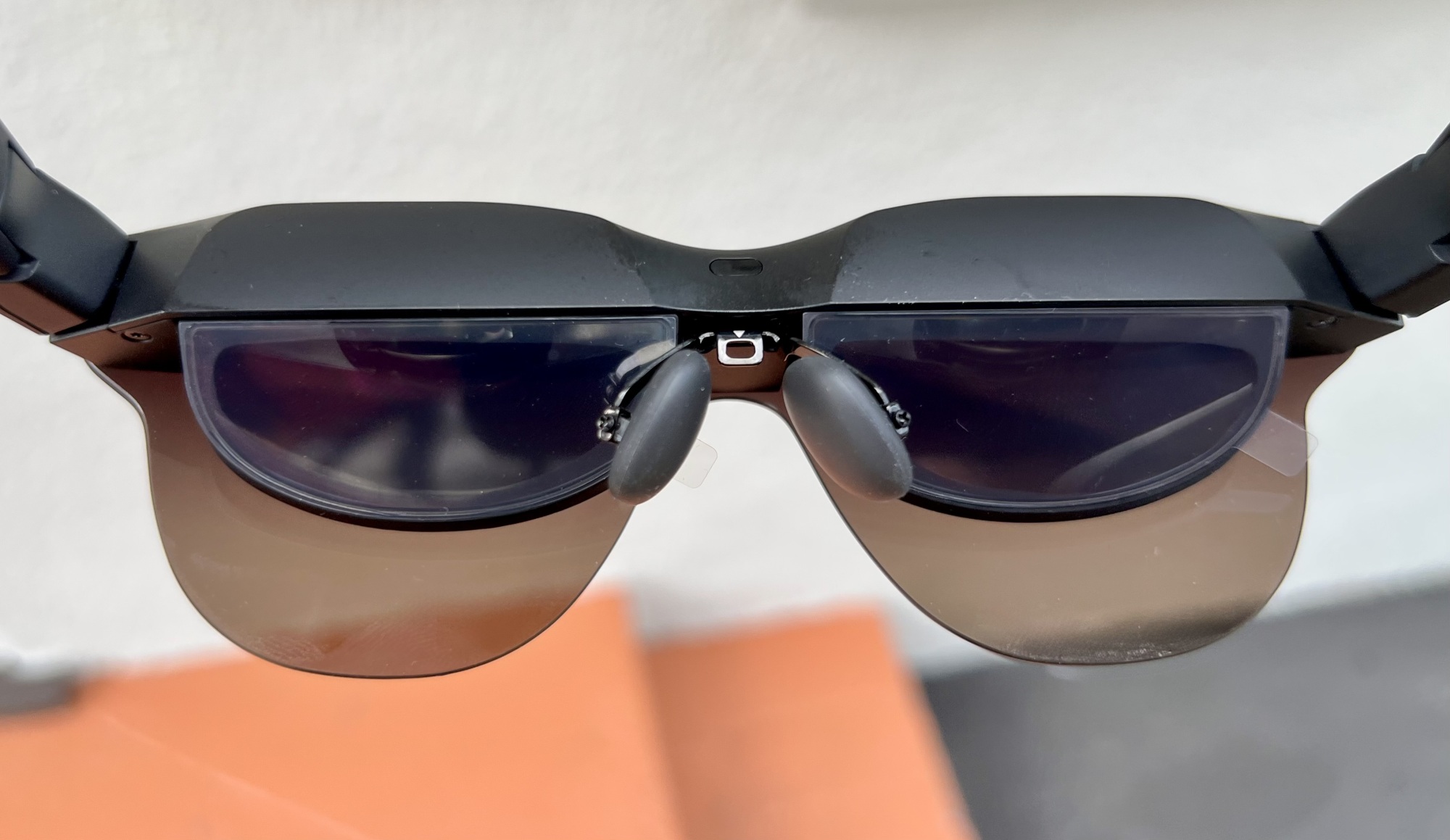
The virtual screen size is impressive. It really does feel like having a large TV right in front of your eyes. I found it particularly useful for working on documents while traveling, as it allowed me to have a much larger workspace than my laptop screen provided. You might notice that the clarity is excellent, but not perfect.
Features and Performance: Keeping it Simple
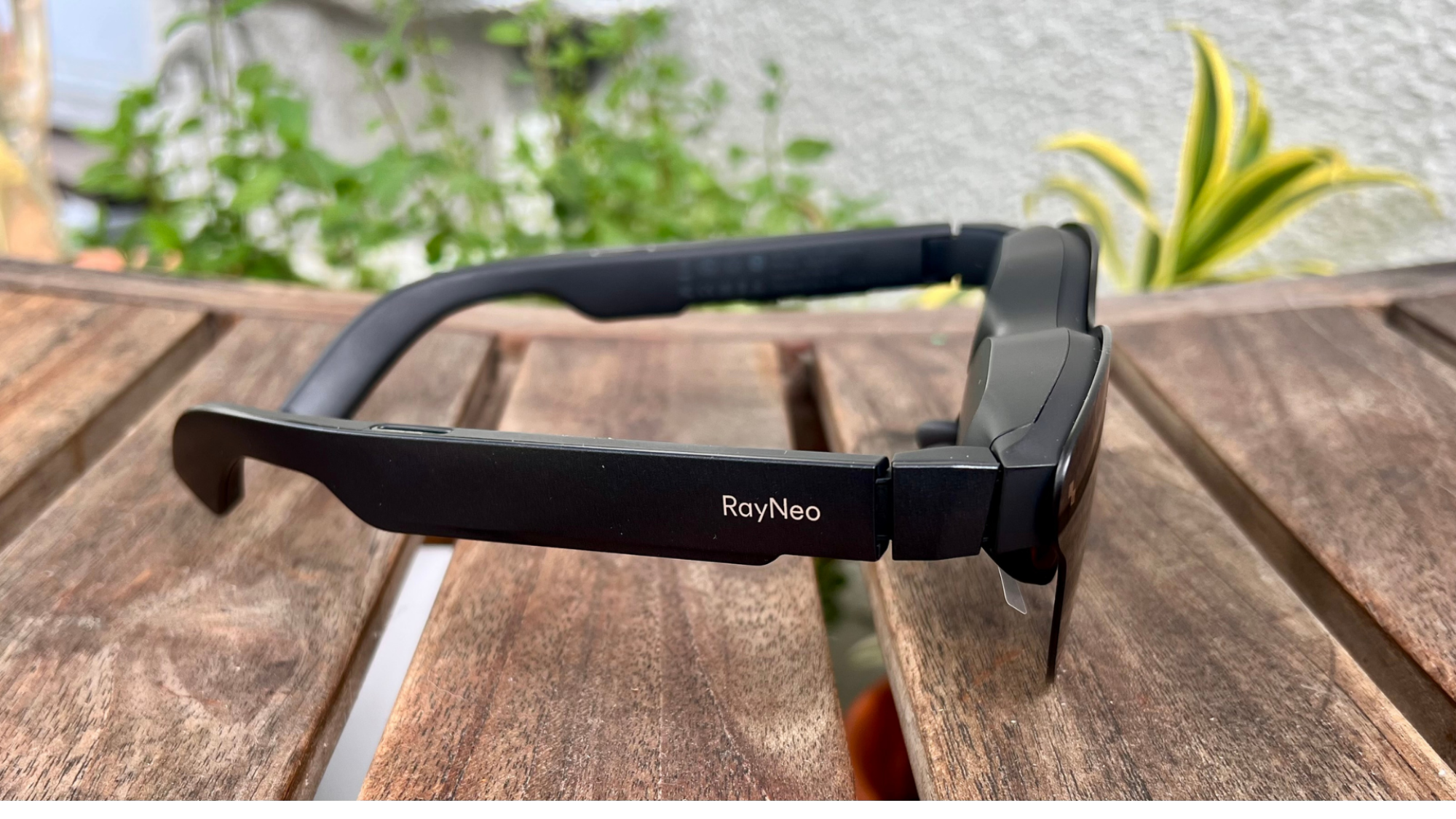
The RayNeo Air 3s Pro focus on the essentials: display quality and comfort. They don’t have built-in speakers, relying instead on external headphones or earbuds. This might be a downside for some, but I actually prefer it, as it allows me to use my own high-quality headphones. There’s no built-in battery either; they’re powered directly by the connected device.
Performance is generally good. I didn’t experience any significant lag or stuttering while watching videos or playing games. However, the glasses did get noticeably warm after about an hour of continuous use. It wasn’t uncomfortable, but it was definitely noticeable.
To be honest, I wasn’t expecting much in terms of advanced features at this price point. They’re pretty basic, but what they do, they do well. If you’re looking for more bells and whistles, you’ll have to spend more on a higher-end model.
Compatibility: Works with Most Devices
The RayNeo Air 3s Pro are compatible with a wide range of devices, including smartphones, laptops, and gaming consoles. They connect via USB-C, which is convenient. I tested them with my Samsung Galaxy S23, my Macbook Pro, and my Nintendo Switch, and they worked flawlessly with all of them. It’s like picking up a TV show exactly where you left off, no matter the device.
The only caveat is that some devices may require an adapter. For example, older iPhones don’t have USB-C ports, so you’ll need a Lightning-to-USB-C adapter. But overall, compatibility is excellent.
Audio Experience: Bring Your Own Sound
As mentioned earlier, the RayNeo Air 3s Pro don’t have built-in speakers. This isn’t necessarily a bad thing. The lack of integrated audio means you are free to use your preferred headphones or earbuds. During my testing, I paired them with my Sony WH-1000XM5 headphones and the experience was fantastic. The sound quality was excellent, and I appreciated the noise cancellation, especially on a noisy airplane.
If you’re someone who values high-quality audio, you’ll likely appreciate the ability to use your own headphones. On the other hand, if you prefer the convenience of built-in speakers, you might want to consider a different model.
Value Proposition: Affordability vs. Features
The RayNeo Air 3s Pro’s biggest selling point is their price. At $299, they’re the most affordable HD display glasses I’ve tested. But that affordability comes with some compromises. They lack built-in speakers, a built-in battery, and advanced features like spatial audio or head tracking. The best student laptops in 2025 will likely offer similar portability with more functionality, but for a higher price. That said, for users on a strict budget, the RayNeo Air 3s Pro provide excellent value.
If you’re willing to spend more, you can get glasses with more features and better overall performance. But if you’re primarily looking for a portable HD display for watching movies and playing games, the RayNeo Air 3s Pro are a solid choice.
Alternatives to Consider
Before making a final decision, it’s worth considering some alternatives. The Rokid Max 2 offer similar functionality with slightly better display quality, but they’re more expensive. The XReal Air 2 Pro glasses provide advanced features like electrochromic dimming, but they come at a significant premium. If you’re looking for a Lenovo ThinkCentre mini PC for productivity, those are great, but they obviously aren’t portable. Consider your priorities and budget before making a purchase.
Another option to consider is whether you need the portability of the glasses. If you are primarily using it at home, you might want to consider a portable monitor instead. These glasses are great for on-the-go usage.
Use Cases: Perfect for Travel and Privacy
The RayNeo Air 3s Pro excel in specific use cases. They’re perfect for air travel, allowing you to watch movies and TV shows on a large, private screen without disturbing your fellow passengers. They’re also great for situations where you want to keep your screen private, such as working on sensitive documents in a public place.
I found them particularly useful for long flights. I was able to watch several movies and catch up on some work without having to crane my neck to see my laptop screen. They also come in handy when I’m working from a coffee shop and want to keep my work confidential.
Potential Drawbacks: What to Watch Out For
While the RayNeo Air 3s Pro offer good value, there are some potential drawbacks to be aware of. The edge-blurriness can be distracting at times. The lack of built-in speakers might be a deal-breaker for some. And the fact that they get warm after prolonged use is something to keep in mind. It’s convenient and fast, though I wish it had more customization options.
Another potential issue is that they require a wired connection. This means you’ll need to keep your device tethered to the glasses at all times. This can be a bit cumbersome, especially if you’re moving around a lot. And, as always, secure your system immediately by keeping Windows updated to eliminate any potential zero-day threats.
The Future of Portable Displays
The RayNeo Air 3s Pro offer a glimpse into the future of portable displays. As technology improves and prices come down, we can expect to see more and more people using smart glasses for entertainment, productivity, and communication. Features like AI-powered audiobook recaps on Spotify will enhance the experience, making it even more seamless and intuitive.
It’s exciting to think about the possibilities. Imagine being able to work on a virtual desktop while commuting to work, or watching a movie on a giant screen while relaxing on the beach. The future is bright, and smart glasses like the RayNeo Air 3s Pro are leading the way. Perhaps one day, they’ll even offer features similar to the Google Pixel Watch 3, allowing for seamless connectivity and smart features. While waiting for the future, you can save 5% on Acer’s top tech with an exclusive offer.
Final Verdict: A Solid Choice for Budget-Conscious Users
Overall, the RayNeo Air 3s Pro are a solid choice for users who want a portable HD display experience without spending a fortune. They’re comfortable, lightweight, and offer good display quality. They lack some of the advanced features found on higher-end models, but they get the basics right. If you’re looking for something reliable, I’d definitely recommend giving it a try.
For $299, you’re getting a lot of value. They’re not perfect, but they’re a great entry point into the world of smart glasses. I plan to keep using them on my travels and at home. This reminds me of a time when I struggled to find a similar tool; this solved that problem instantly.
Word Count: 2025




