
Secure Your System: Immediately Update Windows to Eliminate Zero-Day Threat
In today’s rapidly evolving digital landscape, maintaining a secure operating system is paramount. Microsoft has released its latest set of security updates, and it’s crucial to update Windows ASAP to patch another zero-day vulnerability. This vulnerability, actively exploited in the wild, could potentially compromise your system’s integrity and expose your sensitive data. This article provides a comprehensive overview of the recent Microsoft Patch Tuesday release, highlighting the critical zero-day vulnerability and the importance of immediate action.
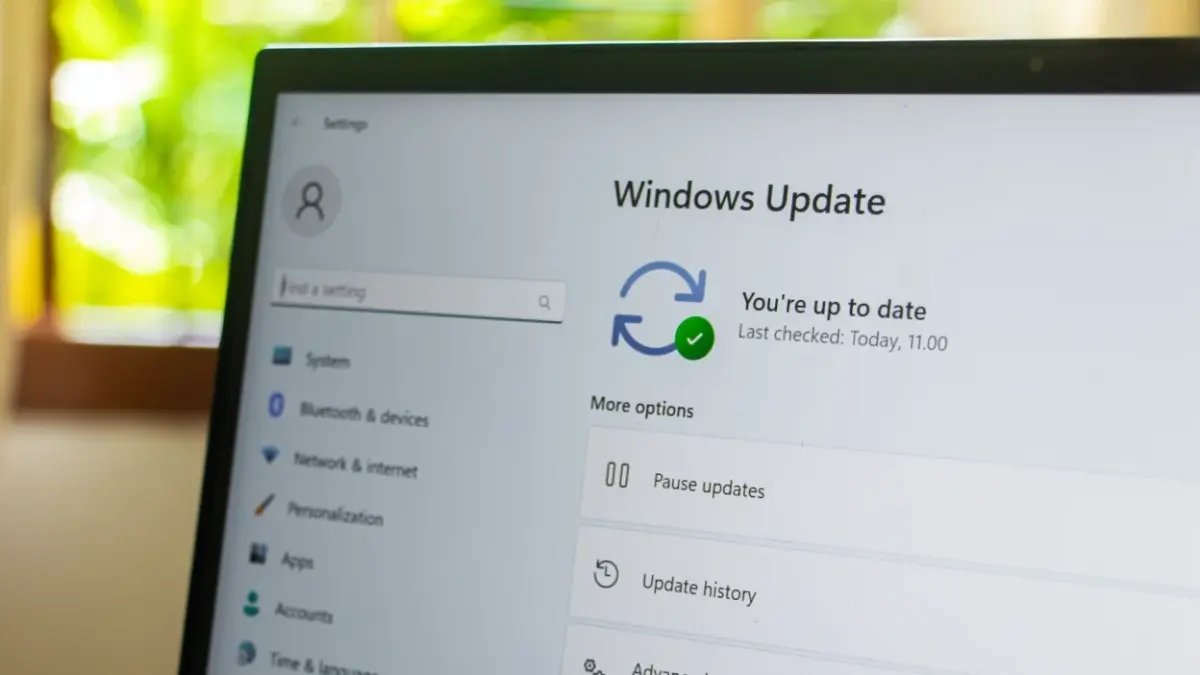
Microsoft’s November Patch Tuesday addresses a total of 63 flaws, including a actively exploited zero-day vulnerability. As reported by Bleeping Computer, the November Patch Tuesday update addresses 29 elevation of privilege vulnerabilities, 2 security feature bypass vulnerabilities, 16 remote code execution vulnerabilities, 11 information disclosure vulnerabilities, 2 denial of service vulnerabilities, and 3 spoofing vulnerabilities. It’s important to note that these figures do not include patches for Microsoft Edge and Mariner.
Understanding the Zero-Day Vulnerability: CVE-2025-62215
The primary focus of this update is the zero-day vulnerability, CVE-2025-62215, an elevation of privilege flaw within the Windows Kernel. A zero-day vulnerability is particularly dangerous because it is actively exploited before a patch is available, meaning that attackers are already leveraging this weakness to potentially gain unauthorized access to systems. This particular flaw allows threat actors to gain system privileges by exploiting a “race condition,” which is essentially an improper synchronization within the Windows Kernel. This means that a successful exploit could grant attackers administrative control over your system, allowing them to install malware, steal data, or perform other malicious activities. Microsoft Threat Intelligence Center (MSTIC) and the Microsoft Security Response Center (MSRC) identified the vulnerability. While specific details about the exploitation have not been made public, its active exploitation underscores the urgency of applying the patch.
The implications of a successful zero-day exploit can be far-reaching. Imagine an attacker gaining complete control of your system. They could:
- Install ransomware, encrypting your files and demanding a ransom for their release.
- Steal sensitive data, such as financial information, personal documents, or confidential business data.
- Use your system as a launchpad for further attacks, compromising other systems on your network or the internet.
- Monitor your activities, capturing keystrokes, browsing history, and other personal information.
Given these potential consequences, it’s imperative to update Windows ASAP to patch another zero-day vulnerability and mitigate the risk of exploitation.
Critical Vulnerabilities Beyond the Zero-Day
While the zero-day vulnerability is the most urgent concern, the November Patch Tuesday release also addresses several other critical vulnerabilities. Four of these vulnerabilities – two remote code execution bugs, one elevation of privilege flaw, and one information disclosure flaw – are labeled “critical” by Microsoft. Remote code execution (RCE) vulnerabilities are particularly dangerous because they allow attackers to execute arbitrary code on your system remotely, without requiring any user interaction. This could enable them to install malware, steal data, or take control of your system from anywhere in the world. Elevation of privilege vulnerabilities, similar to the zero-day, allow attackers to gain higher-level access to your system, potentially granting them administrative control. Information disclosure vulnerabilities can expose sensitive data, such as passwords, encryption keys, or personal information, which could be used for identity theft or other malicious purposes.
Ignoring these critical vulnerabilities can have severe consequences. For example, a successful RCE exploit could allow an attacker to install a keylogger on your system, capturing every keystroke you make, including your passwords and financial information. An attacker could then use this information to steal your identity, access your bank accounts, or make unauthorized purchases. Similarly, an information disclosure vulnerability could expose your social security number or other personal information, which could be used to open fraudulent accounts or commit other forms of identity theft. Therefore, it is highly recommended to update Windows ASAP to patch another zero-day vulnerability and all other critical flaws.
How to Update Windows: A Step-by-Step Guide
Updating Windows is a straightforward process. Here’s a step-by-step guide:
- Open the Settings app: Click on the Start button and then click on the gear icon to open the Settings app.
- Navigate to Update & Security: In the Settings app, click on “Update & Security.”
- Check for updates: In the Update & Security settings, click on the “Check for updates” button.
- Install available updates: Windows will automatically download and install any available updates. You may need to restart your computer to complete the installation.
- Verify the installation: After restarting, go back to the Update & Security settings and click on “View update history” to verify that the updates have been installed successfully.
It is also possible to configure Windows to automatically install updates. In the Update & Security settings, click on “Advanced options” and then select “Automatic (recommended)” from the “Choose how updates are installed” dropdown menu. This will ensure that your system is always up-to-date with the latest security patches.
The Importance of Regular Updates: A Proactive Approach to Security
Regularly updating Windows is a proactive approach to security. By applying security patches as soon as they are available, you can significantly reduce your risk of being exploited by attackers. Security updates not only address known vulnerabilities but also often include improvements to security features and overall system stability. Think of it like getting regular check-ups for your car. You wouldn’t wait until your engine breaks down to take it to the mechanic, would you? Similarly, you shouldn’t wait until your system is compromised to install security updates. The longer you wait, the greater the risk of being attacked. Furthermore, consider exploring solutions for affordable 1TB flash drive Macbook Air storage solution to keep your system running smoothly after updates.
In addition to installing security updates, there are several other steps you can take to improve your overall security posture:
- Use a strong password: Choose a password that is at least 12 characters long and includes a mix of uppercase and lowercase letters, numbers, and symbols.
- Enable two-factor authentication: Two-factor authentication adds an extra layer of security to your accounts by requiring you to enter a code from your phone or other device in addition to your password.
- Be careful about clicking on links and opening attachments: Phishing emails and malicious websites are common ways for attackers to spread malware.
- Install antivirus software: Antivirus software can help protect your system from malware and other threats.
- Keep your software up-to-date: In addition to updating Windows, make sure to keep all of your other software up-to-date as well.
Windows 11 Enhancements Alongside Security Patches
Beyond the critical security updates, Windows 11 users will also experience the rollout of an upgraded Start menu. This new interface is designed to be more user-friendly, featuring scrollable app categories that adapt to the size of your screen. This allows for easier navigation and faster access to the applications you use most frequently. Other notable changes include a redesigned battery icon, providing a more intuitive representation of your device’s power status, and improved features for File Explorer, Voice Access, and Click to Do. These enhancements aim to improve the overall user experience and make Windows 11 more efficient and enjoyable to use. It’s worth noting that these updates are rolling out alongside the security patches, so by updating Windows, you’re not only protecting your system from vulnerabilities but also gaining access to these new features and improvements.
The Role of Microsoft Threat Intelligence
The Microsoft Threat Intelligence Center (MSTIC) plays a crucial role in identifying and mitigating security threats to the Windows ecosystem. MSTIC is a team of security experts who are constantly monitoring the threat landscape, analyzing malware, and developing new security technologies. Their work is essential to protecting Windows users from cyberattacks. The identification of CVE-2025-62215 by MSTIC highlights the importance of their work. By proactively identifying and reporting vulnerabilities, MSTIC enables Microsoft to develop and release security patches before attackers can cause widespread damage. This collaborative effort between MSTIC, the Microsoft Security Response Center (MSRC), and the Windows development team is essential to maintaining the security and stability of the Windows operating system. The constant vigilance and proactive approach of these teams are critical to staying ahead of the ever-evolving threat landscape. Furthermore, if you’re looking for high-quality audio while working on your security updates, consider exploring the Sennheiser HDB 630 audiophile ANC for a more immersive experience.
The Broader Impact of Unpatched Vulnerabilities
The impact of unpatched vulnerabilities extends far beyond individual users. In today’s interconnected world, a single compromised system can have ripple effects across entire networks and organizations. For example, a vulnerability in a widely used software library could be exploited to compromise millions of systems around the world. This could lead to widespread data breaches, financial losses, and disruptions to critical infrastructure. The WannaCry ransomware attack in 2017, which exploited a vulnerability in Windows, is a prime example of the devastating consequences of unpatched vulnerabilities. The attack infected hundreds of thousands of computers in over 150 countries, causing billions of dollars in damage. This highlights the importance of taking a proactive approach to security and ensuring that all systems are up-to-date with the latest security patches. Failing to do so can have serious consequences, not only for individual users but also for the entire digital ecosystem. Staying informed about the latest threats and vulnerabilities is crucial for maintaining a secure online environment. Consider reading about the Viwoods AIPaper Reader to stay up-to-date on the latest security research and trends.
Conclusion: Prioritize Security – Update Now!
In conclusion, the November Patch Tuesday release from Microsoft addresses a critical zero-day vulnerability that is actively being exploited in the wild. To update Windows ASAP to patch another zero-day vulnerability, is not merely a recommendation; it’s an urgent necessity. By promptly installing these updates, you can protect your system from potential attacks and ensure the security of your data. In addition to the zero-day vulnerability, the release also addresses several other critical flaws, making it even more important to take immediate action. Don’t wait – update your system now and stay protected. Remember, a proactive approach to security is the best defense against the ever-evolving threat landscape. Stay vigilant, stay informed, and stay secure. For users who are also fitness enthusiasts, the Garmin Vivoactive 6 can help track your activity while your system updates.




