Surface Laptop Steal: $200 Off Ahead of Black Friday!
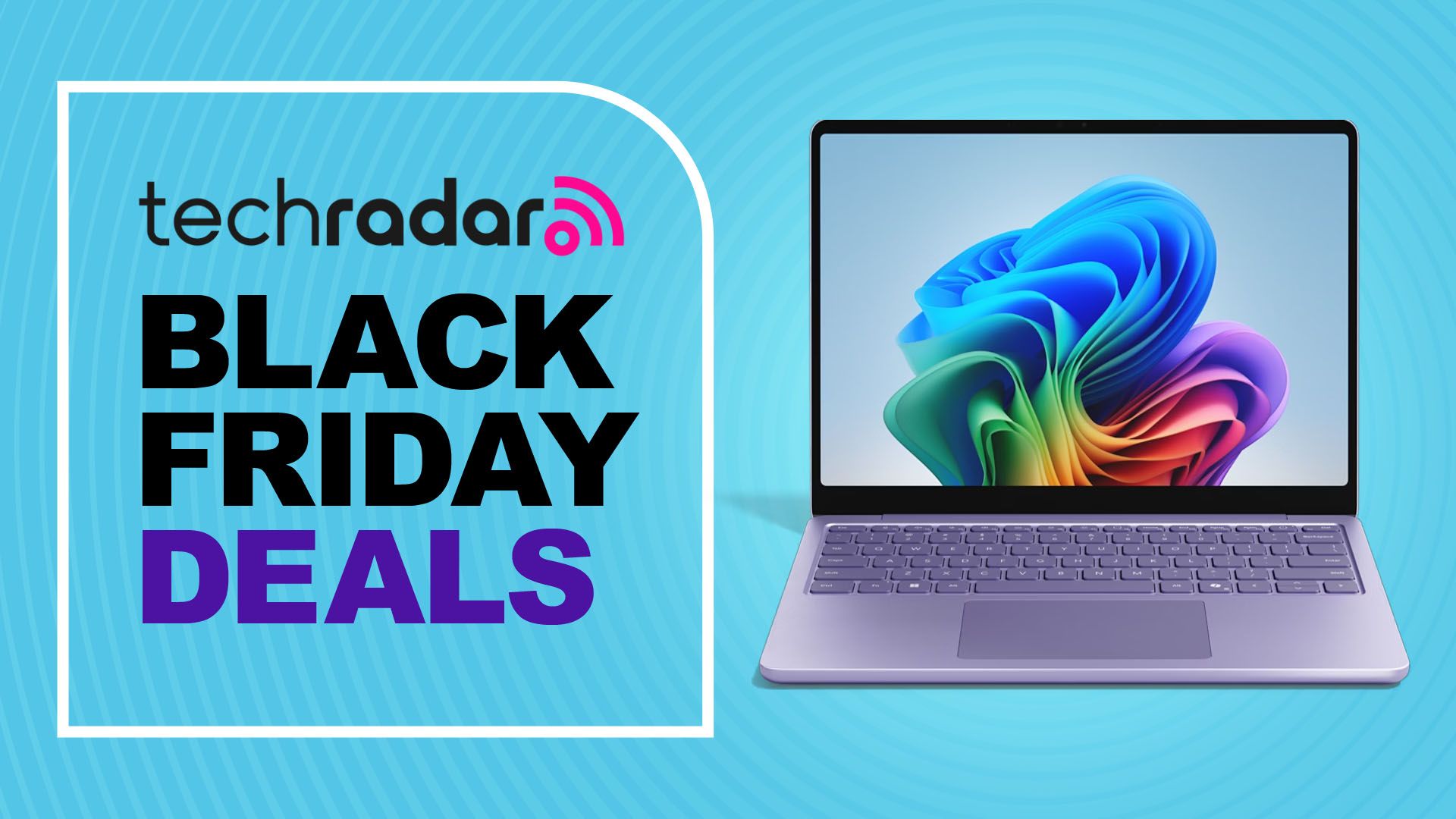
The holiday shopping season is officially upon us, and that means one thing: incredible deals on must-have tech. If you’re in the market for a sleek, portable, and stylish laptop, listen up! My personal favorite laptop of the year, the Microsoft Surface Laptop 13-inch (2025), is currently available for a whopping $200 off at Best Buy. This pre-Black Friday deal drops the price to just $799.99, making it an absolute steal.
For those seeking a compelling Windows alternative to the ubiquitous MacBook Air 13-inch, the Surface Laptop 13-inch (2025) presents a fantastic option. While it might not win any performance awards against Apple’s powerhouse, it more than compensates with its striking design and everyday usability. This comparison with the MacBook Air is important, as it helps potential buyers understand where the Surface Laptop excels.
Why the Surface Laptop 13-inch (2025) Stands Out
What makes the Surface Laptop 13-inch (2025) so special? Let’s dive into the key features that make it a standout device:
- Portability: The 13-inch form factor makes it incredibly easy to carry around, perfect for students, professionals, and anyone on the go.
- Design: The violet colorway is simply gorgeous. It’s a head-turner and adds a touch of personality to your tech setup.
- Performance: Powered by an 8-core Qualcomm Snapdragon X Plus processor, it handles everyday tasks with ease.
- Memory and Storage: 16GB of memory and a 512GB SSD ensure smooth multitasking and ample storage for your files.
This Black Friday deal on the Surface Laptop 13-inch (2025) is the first major discount I’ve seen, making it the perfect time to snag this incredible machine. Given its already competitive price point, this $200 markdown sweetens the deal even further.
Who is the Surface Laptop 13-inch (2025) For?
The Surface Laptop 13-inch (2025) isn’t designed for hardcore gamers or professional video editors. Its strengths lie in everyday computing, productivity, and academic tasks. If you need a reliable and stylish laptop for:
- Writing documents
- Browsing the web
- Attending online meetings
- Managing emails
- Schoolwork
Then the Surface Laptop 13-inch (2025) is an excellent choice. The 16GB of memory ensures you can run multiple applications simultaneously without experiencing lag, and the 512GB SSD provides plenty of space for your documents, photos, and videos. Considering how many people use laptops for productivity tasks like editing PDFs, the Surface Laptop’s capabilities are more than sufficient for most users.
Performance and Specifications: A Deeper Dive
Let’s take a closer look at the specifications that make the Surface Laptop 13-inch (2025) a compelling device:
- Processor: 8-core Qualcomm Snapdragon X Plus processor
- Memory: 16GB LPDDR5X RAM
- Storage: 512GB NVMe SSD
- Display: 13-inch PixelSense touchscreen display
- Operating System: Windows 11
- Graphics: Integrated Qualcomm Adreno GPU
- Ports: USB-C, USB-A, Surface Connect port, headphone jack
- Wireless: Wi-Fi 6E, Bluetooth 5.2
- Webcam: 1080p HD webcam
- Audio: Stereo speakers with Dolby Atmos
- Battery Life: Up to 18 hours
- Weight: Starting at 2.37 pounds
The Qualcomm Snapdragon X Plus processor is a solid performer for everyday tasks. It’s energy-efficient, which contributes to the laptop’s impressive battery life. While it’s not a powerhouse like some of Intel’s or AMD’s high-end chips, it’s more than capable of handling web browsing, document editing, and streaming video. The integrated Qualcomm Adreno GPU is sufficient for casual gaming, but don’t expect to run the latest AAA titles at high settings.
The Allure of the Violet Colorway
While performance is important, let’s not forget about aesthetics. The violet colorway of the Surface Laptop 13-inch (2025) is a major selling point. It’s a refreshing departure from the typical silver or black laptops, and it adds a touch of personality to your tech setup. If you’re tired of boring-looking laptops, the violet Surface Laptop is sure to turn heads. The design is so appealing that it rivals the sleek aesthetics of a well-designed Chromebook, making it a desirable device for style-conscious users.
Black Friday Laptop Deals: What to Expect
With Black Friday just around the corner, you can expect to see even more deals on laptops. However, this discount on the Surface Laptop 13-inch (2025) is a great starting point. If you’re looking for a portable, stylish, and capable laptop for everyday use, this is an offer you shouldn’t miss. Keep an eye out for deals on other laptops from brands like Dell, HP, Lenovo, and Apple, but don’t hesitate to pull the trigger on the Surface Laptop if it meets your needs and budget.
Comparing the Surface Laptop to the Competition
When considering a new laptop, it’s important to compare it to the competition. Here’s how the Surface Laptop 13-inch (2025) stacks up against some of its rivals:
As you can see, the Surface Laptop 13-inch (2025) offers a compelling combination of features and price, especially with the current discount. While the MacBook Air boasts a more powerful processor, the Surface Laptop offers more memory and a lower price point. The Dell XPS 13 and HP Spectre x360 are also excellent options, but they come at a higher cost.
Maximizing Your Productivity with the Surface Laptop
The Surface Laptop 13-inch (2025) isn’t just a pretty face; it’s also a productivity powerhouse. Here are some tips for maximizing your productivity with this device:
- Use Microsoft 365: The Surface Laptop is optimized for Microsoft 365, so take advantage of apps like Word, Excel, and PowerPoint.
- Utilize the Touchscreen: The PixelSense touchscreen display is perfect for note-taking, sketching, and navigating web pages.
- Customize Your Workflow: Tailor your Windows 11 settings to match your workflow and preferences.
- Stay Organized: Keep your files and folders organized to quickly find what you need.
- Take Advantage of Keyboard Shortcuts: Learn common keyboard shortcuts to speed up your workflow.
For even greater efficiency, consider using a clipboard manager. This can significantly streamline your workflow, especially when dealing with repetitive tasks. Explore options to boost your productivity with a clipboard manager.
Navigating Black Friday Sales: Tips and Tricks
Black Friday can be a chaotic shopping experience. Here are some tips to help you navigate the sales and snag the best deals:
- Do Your Research: Before Black Friday, research the products you want to buy and compare prices.
- Make a List: Create a list of the items you want to purchase and stick to it.
- Set a Budget: Determine how much you’re willing to spend and don’t exceed your budget.
- Shop Early: Many retailers start their Black Friday sales early, so keep an eye out for deals in the weeks leading up to Black Friday.
- Compare Prices: Don’t assume that the first price you see is the best price. Compare prices from different retailers to ensure you’re getting the best deal.
- Read Reviews: Before making a purchase, read reviews from other customers to get an idea of the product’s quality and performance.
- Be Patient: Black Friday sales can be crowded and overwhelming, so be patient and don’t let the pressure get to you.
Beyond the Laptop: Essential Accessories
To truly elevate your Surface Laptop 13-inch (2025) experience, consider investing in some essential accessories:
- Microsoft Surface Pen: Perfect for note-taking, sketching, and creative tasks.
- Microsoft Surface Dock: Expands the laptop’s connectivity with additional ports.
- Wireless Mouse: Provides a more comfortable and precise navigation experience.
- Laptop Sleeve: Protects your laptop from scratches and bumps.
- External Hard Drive: Provides additional storage for your files.
The Future of Laptops: What to Expect
The laptop market is constantly evolving, with new technologies and features emerging all the time. Here are some trends to watch for in the coming years:
- Increased Performance: Expect to see laptops with even more powerful processors and graphics cards.
- Improved Battery Life: Battery life will continue to improve, allowing you to work and play for longer on a single charge.
- More Sustainable Materials: Manufacturers will increasingly use sustainable materials in their laptops.
- Foldable Displays: Foldable laptops are becoming more common, offering a unique and versatile computing experience.
- Enhanced Security Features: Laptops will incorporate more advanced security features to protect your data.
While the Surface Laptop 13-inch (2025) is a fantastic device today, the laptop market will continue to innovate. Features like enhanced VR capabilities may become more integrated into everyday laptops in the future.
Conclusion: Don’t Miss This Surface Laptop Deal!
The Microsoft Surface Laptop 13-inch (2025) is a fantastic laptop that offers a compelling combination of portability, style, and performance. With its sleek design, capable processor, and ample memory and storage, it’s perfect for students, professionals, and anyone who needs a reliable and stylish laptop for everyday use. And now, with this pre-Black Friday deal at Best Buy, it’s an even better value. Don’t miss out on this opportunity to snag my favorite laptop of the year for just $799.99!