
Pixel Call Recording: Now Available on Older Devices
Great news for Pixel users! Google has expanded the availability of its native call recording feature in the Phone app to include older Pixel devices. Previously limited to newer models, this update brings a valuable tool to a wider audience, allowing users of Pixel 6 and later to record calls directly within the app. This move underscores Google’s commitment to providing essential functionality to its user base, regardless of device age. While advanced AI features like transcription and automatic note-taking, as seen in the Pixel 9 and 10 with Call Notes powered by Gemini Pro, remain exclusive to those models, the core functionality of call recording is now broadly accessible. This accessibility is a significant win for users who value having a reliable and built-in method for capturing important conversations.
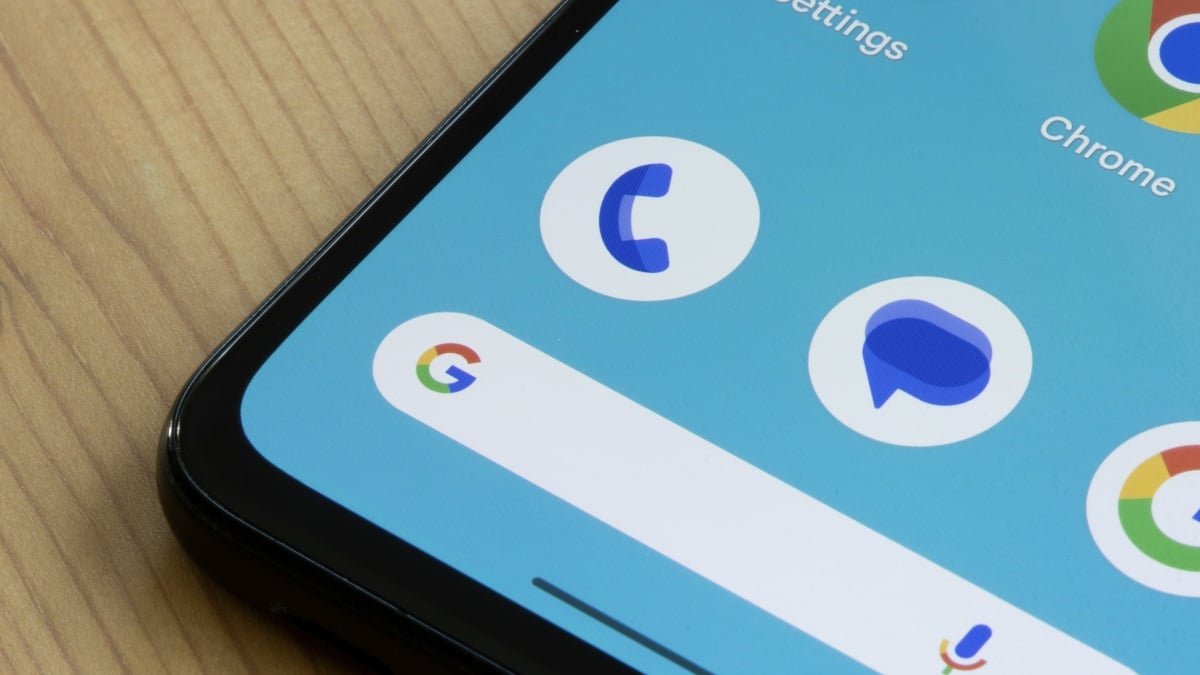
The Importance of Call Recording
The ability to record phone calls is more than just a novelty; it’s a fundamentally useful feature with a wide range of practical applications. While some might associate call recording with unethical or intrusive practices, its legitimate uses are numerous and varied. For instance, journalists often rely on call recordings to maintain accurate records of interviews, ensuring that quotes are attributed correctly and that the context of the conversation is preserved. Similarly, professionals in fields like law and finance may record calls for compliance purposes or to document important agreements and discussions. The expansion of call recording to older Pixel devices is particularly welcome in scenarios where detailed documentation is critical.
Furthermore, individuals can benefit greatly from recording calls with healthcare providers. Keeping track of medical advice, instructions, and diagnoses can be challenging, especially during stressful or emotional consultations. A call recording provides a valuable resource for reviewing the information later, ensuring that patients fully understand their treatment plans and can adhere to their healthcare providers’ recommendations. In customer service interactions, call recording can help resolve disputes, clarify misunderstandings, and ensure that businesses are held accountable for their promises and representations. The availability of call recording on older Pixel devices levels the playing field, giving more users access to this important capability.
A Brief History of Call Recording on Android
The journey of call recording on Android has been far from smooth. In the early days of the Android operating system, third-party call recorder apps were readily available and functioned without significant restrictions. However, as Google prioritized user privacy and security, it began implementing measures that gradually limited the capabilities of these apps. One of the most significant changes was the blocking of access to recordings from microphones, which made it increasingly difficult for third-party apps to capture clear and reliable call recordings. This move was intended to prevent malicious apps from secretly recording conversations without the user’s knowledge or consent.
In 2022, Google further tightened the restrictions by blocking access to Android’s Accessibility API, which was the primary workaround that developers of third-party call recorder apps had been using. This effectively crippled the third-party call recorder market, leaving users with limited options for recording calls on their Android devices. The only remaining avenue for call recording was through the phone manufacturer’s primary app, if it supported the feature. This created a fragmented experience, with some users having access to call recording while others did not, depending on the brand and model of their phone. The decision to bring call recording to older Pixel devices helps to standardize this experience and provide a consistent solution for all Pixel users.
For those interested in more customizable laptop options, the Framework Laptop 16 review provides an in-depth look at a device focused on user control and flexibility.
Call Recording on Pixel: How It Works
The call recording feature on Pixel devices is designed to be straightforward and user-friendly. When you’re in a phone call, you’ll see a “Record” button on the call screen. Tapping this button initiates the recording, and the other party will typically hear a disclaimer informing them that the call is being recorded. This is an important legal requirement in many jurisdictions, as it ensures that all parties are aware of the recording and have given their consent. Once the recording is complete, it’s saved to your device’s storage, where you can access it later through the Phone app or a file manager. The exact location of the recordings may vary depending on your device and Android version, but they are generally stored in a dedicated folder for call recordings.
It’s crucial to be aware of the legal implications of call recording in your region. Laws regarding call recording vary significantly around the world, and it’s your responsibility to comply with the applicable regulations. In some jurisdictions, both parties must consent to the recording, while in others, only one party’s consent is required. Recording a call without the necessary consent can have serious legal consequences, including fines and even criminal charges. Therefore, it’s always best to err on the side of caution and inform the other party that you’re recording the call, even if it’s not strictly required by law. This not only ensures compliance with legal requirements but also promotes transparency and ethical behavior.
Limitations and Considerations for Call Recording
While the expansion of call recording to older Pixel devices is a positive development, it’s important to be aware of certain limitations and considerations. As mentioned earlier, the advanced AI features like transcription and automatic note-taking that are available on the Pixel 9 and 10 are not included in this update. This means that users of older Pixel devices will only have access to the audio recording itself, without the benefit of having the call automatically transcribed or summarized. Additionally, the call recording feature may not be available in all regions or on all carriers, due to legal or technical restrictions.
Another important consideration is storage space. Call recordings can take up a significant amount of storage space on your device, especially if you record calls frequently or for extended periods. It’s therefore important to manage your call recordings effectively, deleting those that are no longer needed and backing up important recordings to a cloud storage service or external drive. You should also be mindful of the privacy implications of storing call recordings on your device. Call recordings may contain sensitive personal information, and it’s important to protect them from unauthorized access. Consider encrypting your device or using a password-protected folder to store your call recordings.
If you’re looking for a way to enjoy your call recordings or other audio content, consider checking out reviews of high-quality headphones like the Sony WH-1000XM5 for an immersive listening experience.
The Future of Call Recording on Pixel
The expansion of call recording to older Pixel devices is a clear indication that Google recognizes the value and importance of this feature for its users. It’s likely that Google will continue to refine and improve the call recording experience on Pixel devices in the future, potentially adding new features and capabilities. One possible future development is the integration of AI-powered transcription and summarization features into the call recording functionality on older Pixel devices. This would bring the benefits of the Pixel 9 and 10’s Call Notes feature to a wider audience, making call recordings even more useful and accessible.
Another potential area for improvement is the integration of call recording with other Google services, such as Google Drive and Google Calendar. This would allow users to automatically back up their call recordings to Google Drive and associate them with calendar events, making it easier to organize and retrieve important conversations. Google could also explore the possibility of adding call recording to other Android devices, not just Pixel phones. This would require working with other phone manufacturers to ensure that the feature is implemented in a consistent and secure manner, but it would greatly expand the availability of call recording to Android users worldwide.
As AI continues to evolve, the potential applications for call recording are vast. Imagine a future where call recordings are automatically analyzed to identify key topics, action items, and sentiment. This could be incredibly useful for businesses, allowing them to gain valuable insights from customer interactions and improve their products and services. The ongoing development of AI technologies like Gemini Pro, as highlighted in this detailed analysis of Google’s AI features, will undoubtedly play a significant role in shaping the future of call recording and its integration with other applications.
The world of laptops is also constantly evolving, and for those seeking a balance of performance and portability, the MacBook Air M2 review offers insights into a popular and highly-regarded option.
Benefits of Native Call Recording on Older Pixels
The primary benefit of Google’s decision to bring native call recording to older Pixel devices lies in its seamless integration and reliability. Unlike third-party apps, which often require complex configurations and may be prone to compatibility issues, the native call recording feature is built directly into the Phone app, ensuring a smooth and consistent experience. This eliminates the need for users to search for and install third-party apps, which may not always be trustworthy or secure. The native call recording feature is also optimized for Pixel devices, ensuring that recordings are of high quality and that the feature doesn’t negatively impact battery life or performance.
Another key benefit is the enhanced privacy and security that comes with using a native feature. Google has a strong track record of protecting user privacy and security, and its native call recording feature is designed with these principles in mind. Call recordings are stored securely on the device and are not shared with Google or any other third parties without the user’s explicit consent. This provides users with greater control over their data and reduces the risk of unauthorized access or misuse. The availability of native call recording on older Pixel devices also helps to address the privacy concerns associated with third-party call recorder apps, which may not always be transparent about how they collect, store, and use user data.
Addressing Privacy Concerns
While call recording can be a valuable tool, it’s essential to address the privacy concerns that it raises. As mentioned earlier, it’s crucial to comply with all applicable laws and regulations regarding call recording, which may require obtaining the consent of all parties involved. It’s also important to be transparent about your intentions when recording a call and to inform the other party that you’re doing so. This not only ensures compliance with legal requirements but also fosters trust and respect.
In addition to complying with legal requirements, it’s important to take steps to protect the privacy and security of your call recordings. This includes storing recordings securely on your device, encrypting them if possible, and backing them up to a secure cloud storage service or external drive. You should also be mindful of who has access to your call recordings and avoid sharing them with unauthorized individuals. By taking these precautions, you can minimize the risk of privacy breaches and ensure that your call recordings are used responsibly.
If you’re also interested in securing other devices, consider exploring resources on protecting your data and privacy, especially when dealing with deals like the Dell 14 Premium Black Friday laptop deal, which might involve handling sensitive personal information during the purchase process.
Conclusion
The expansion of call recording to older Pixel devices is a welcome development that brings a valuable tool to a wider audience. While advanced AI features remain exclusive to newer models, the core functionality of call recording is now broadly accessible, empowering users to capture important conversations for a variety of legitimate purposes. By understanding the legal and ethical considerations surrounding call recording and taking steps to protect privacy and security, users can harness the power of this feature responsibly and effectively. Google’s commitment to providing essential functionality to its user base, regardless of device age, is commendable and sets a positive example for other Android manufacturers to follow. This move ensures that more Pixel users can benefit from the convenience and utility of native call recording, enhancing their overall mobile experience. The availability of discounts on other devices, like the M4 MacBook Air, highlights the importance of staying informed about the latest technology and opportunities to enhance productivity and communication.




